For a high-risk business, accepting cards usually starts with an application. A bank or a broker reviews your industry, your statements, and your history, and if the answer is yes, it comes with a reserve, a rolling hold, or a processing cap. If you run a casino, an adult site, or a supplement brand, you have likely met all three.
402pay accepts cards, Apple Pay, and Google Pay without a merchant account. This post covers how that works: how each payment is routed to a card provider, what the customer sees, how the money reaches your wallet, what happens when a card is declined or no provider serves a customer, and where the model differs from a merchant account, in both directions.
What a merchant account asks of a high-risk business
A merchant account is a relationship with an acquiring bank. The bank settles your card sales to your bank account, and it carries the risk when a sale goes wrong: a chargeback it can't recover from you, or a business that closes with disputes still open. For a business it considers high risk, the bank manages that exposure with a few familiar tools:
| Underwriting | A review before your first sale: what you sell, your processing history, your statements, and your chargeback rate. Some categories are declined outright. |
|---|---|
| Reserves | A share of each sale held back to cover future disputes, released later or not at all if the account closes badly. |
| Rolling holds | Each day's sales released after a set delay, so part of your revenue is always waiting. |
These are reasonable tools for a bank that holds your money and answers for it. They also mean the bank decides when you are paid. Our post on self-custody and custodial processing covers why that difference matters.
Cards through card providers
402pay doesn't acquire card payments, and no card partner approves your business. Instead, each card payment goes to a card provider: an on-ramp that sells crypto to the customer by card and sends it to an address you control. The customer pays with Visa, Mastercard, American Express, Apple Pay, or Google Pay, and you receive crypto.
Because the provider is selling to your customer rather than settling to you, there is no merchant account to open. The card option is on when a business is created, in Settings → Payments under Card. The card help article says how to check what your business can offer, and the card-to-crypto explainer covers the model in more depth.
Routing by country, currency, and amount
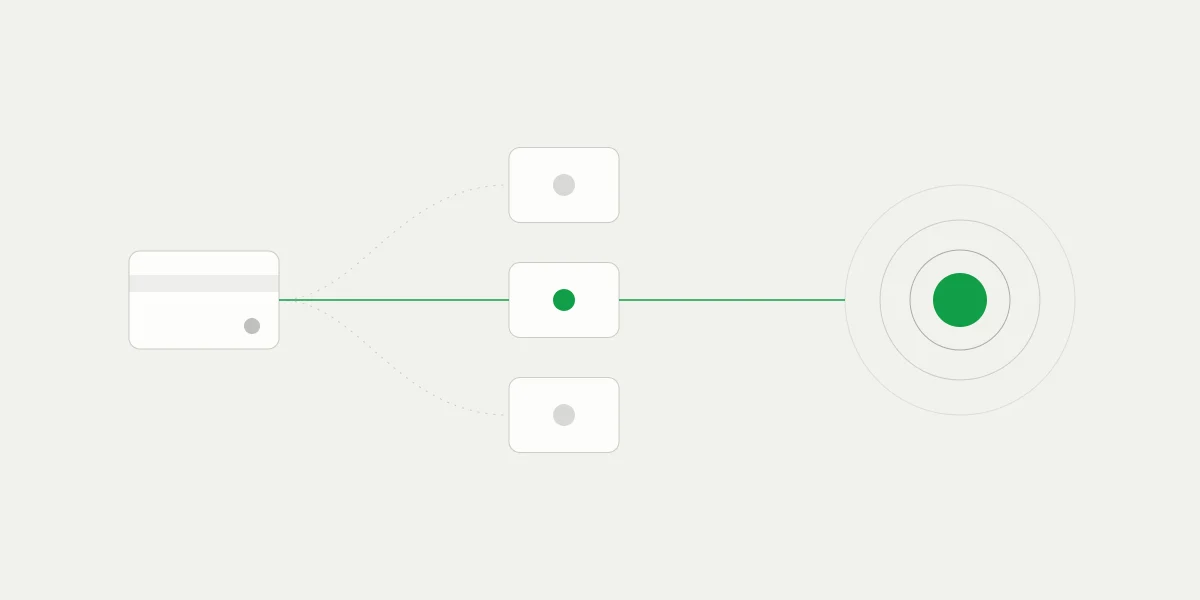
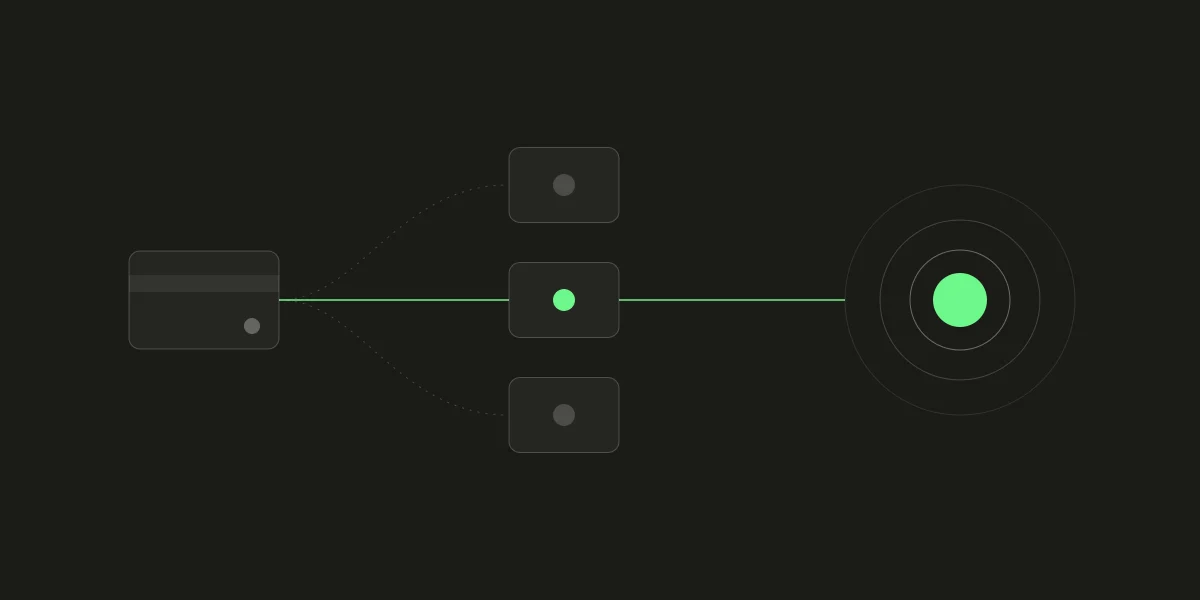
Card providers differ in where they operate and what they take. When a customer chooses Card at checkout, 402pay looks for the providers that serve that payment:
- The customer's country, since each provider sells in its own list of countries.
- The price's currency.
- The amount, since each provider has a minimum and a maximum.
Each provider takes its fee out of the crypto it buys, so the same charge delivers a different amount through each one. Among the providers that qualify, 402pay picks the one that delivers the most of what the customer pays, which is also the one that adds the least to their total. A provider whose fee would push the total too far above your price isn't offered at all.
The customer pays the way they already do. You're paid in your own wallet.
The provider's page, identity checks, and its fee
Checkout opens the chosen provider's secure page. The customer enters their card there, or pays with Apple Pay or Google Pay, so card details never reach 402pay, your dashboard, or the receipt. Depending on the provider and the amount, the customer may be asked to verify their identity before paying. That check is between the customer and the provider, and you don't run it.
The provider can add its own fee. Checkout shows it to the customer as a Third-party processing fee before they pay, and it's part of the customer's total, not taken from your deposit. The guide to what customers see at checkout walks through the card screens.
Delivered to your wallet in crypto
The provider converts the payment and delivers it in crypto to an address made for that checkout in your self-custody wallet. The card payment completes when that transfer arrives, exactly as a crypto payment does, with the same statuses and the same signed payment.succeeded webhook. No balance is held for you in between, so there is no reserve to build, no rolling hold, and no payout schedule.
A card payment costs nothing during the public beta, then 4% + 30¢ per transaction, on your fee statement rather than taken out of the deposit. See how card payments reach your wallet for the dashboard view, the cost comparison for cards beside crypto, and the card payments guide for the API.
Declines, and customers no provider serves
A decline on one provider says little about the next, since each reaches the card networks through its own banks and applies its own rules. If the provider's page fails or the card is declined, the customer can try another card provider without leaving checkout, up to three attempts per checkout. Every attempt keeps the same quote and the same deposit address, so whichever provider delivers, the payment matches. Our post on card declines and retry routing covers the design.
Sometimes no provider serves the payment at all:
| The customer's region | Checkout says card payments aren't available in their region yet. Nothing is charged, and the customer pays in crypto or another way instead. |
|---|---|
| The amount | Checkout says where cards start or end for this payment, and the other ways to pay are still there. |
What stays the same, and what stays with you
Routing cards through providers removes the merchant account, not the card. A cardholder can still dispute a card payment with their bank, and you'll be asked for evidence if they do. Refunds are sent from your wallet. A crypto payment, by contrast, is final once it confirms. The trade-offs are worth weighing plainly against a merchant account:
- A merchant account settles in fiat to your bank. 402pay delivers card payments to your wallet in crypto.
- A merchant account, once approved, accepts cards wherever its bank allows. Here, availability depends on the customer's region and the amount.
- With a merchant account, the customer pays at your price on your checkout. Here, the provider may ask for an identity check and may add its own fee.
Your responsibilities
You stay responsible for your licensing, age checks, product labeling, and the law where you sell. 402pay doesn't judge what's legal for your business, and our Unacceptable Risk Policy sets what a business may sell. The industry pages say how each kind of business pays.
Common questions
- No. 402pay routes each card payment to a card provider that serves the customer's country, currency, and amount, and the provider delivers it to your wallet in crypto. There's no merchant account, card underwriting, or separate card approval to apply for.
- No. Card payments are delivered to your self-custody wallet, and 402pay holds no balance for you, so there is no reserve, rolling hold, or payout schedule.
- The customer. Checkout shows it as a third-party processing fee in their total before they pay, so it never comes out of your deposit.
- Checkout says card payments aren't available in their region, or where cards start or end for that amount, and the customer can pay in crypto or another way instead. Nothing is charged.
- Yes. A card payment is backed by a card, so the cardholder can dispute it with their bank, and you're asked for evidence. Refunds are sent from your wallet.
See what 402pay can do for you.
Discover how 402pay helps your business accept any card and get paid in crypto, straight to a wallet you control.