Cards
Apple Pay in any browser on a Mac
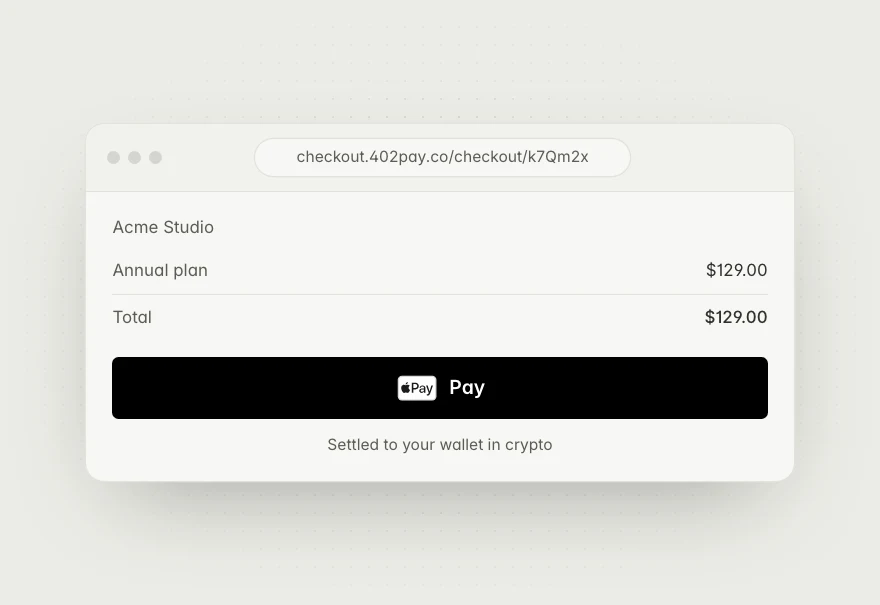
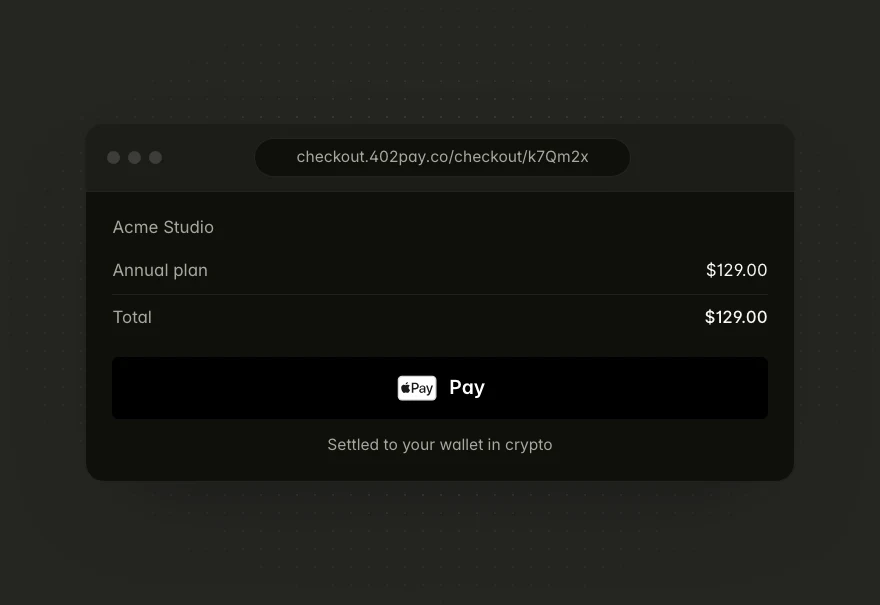
Customers on a Mac can now pay with Apple Pay in any browser, not only Safari. The card provider charges it, and the payment reaches your wallet in crypto.
Learn more about Apple Pay in any browser on a MacDiscover the latest updates, built to help you get paid.
Customers on a Mac can now pay with Apple Pay in any browser, not only Safari. The card provider charges it, and the payment reaches your wallet in crypto.
Learn more about Apple Pay in any browser on a Mac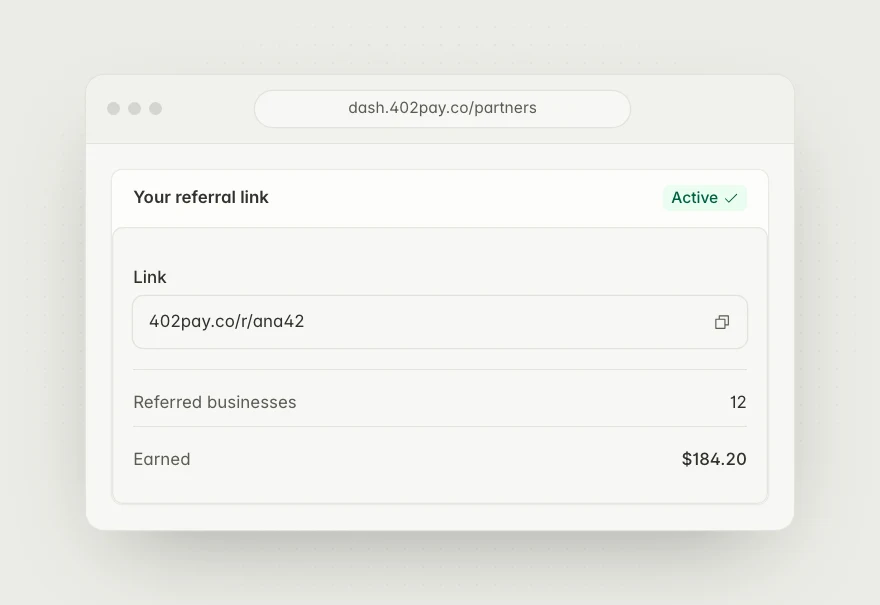
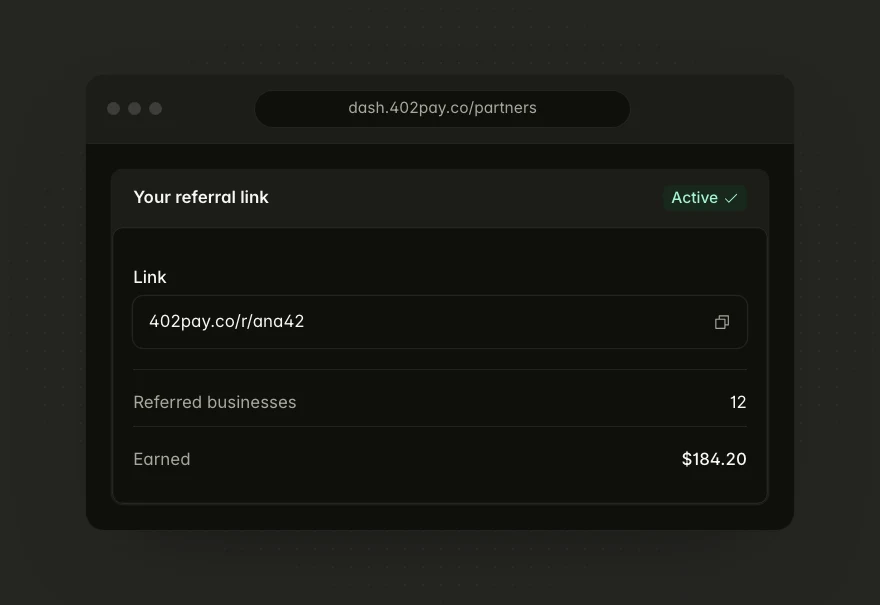
Every referral link is now 402pay.co/r/ followed by your code, and it opens sign-up with the code already applied.
Learn more about Shorter referral links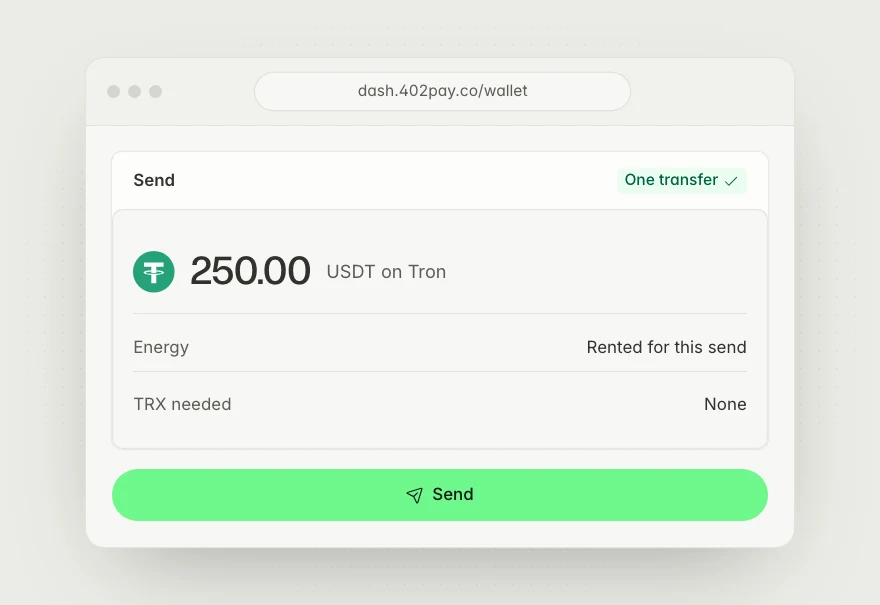
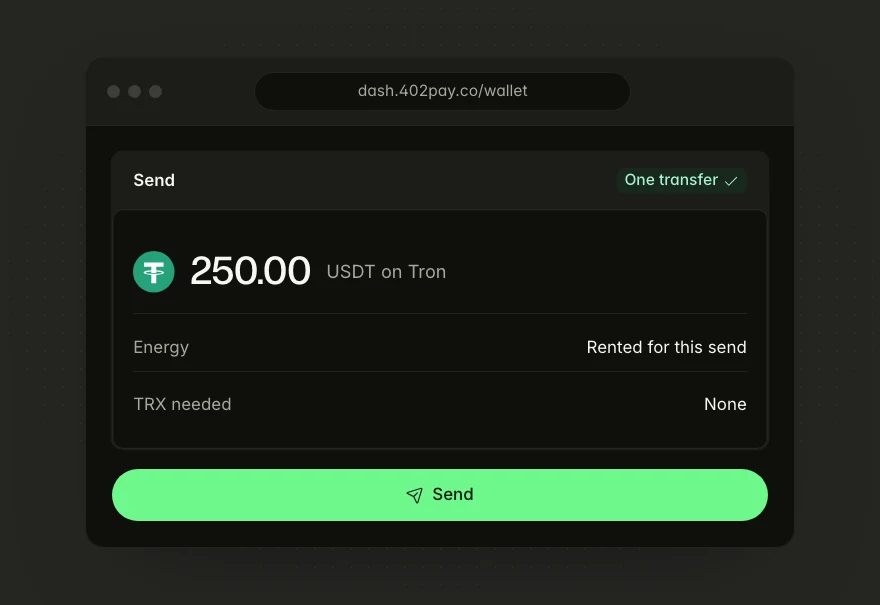
Your wallet rents the energy a Tron transfer needs and bills it as a network fee, and a send drawn from several addresses now goes out as one transfer.
Learn more about Send USDT on Tron without holding TRX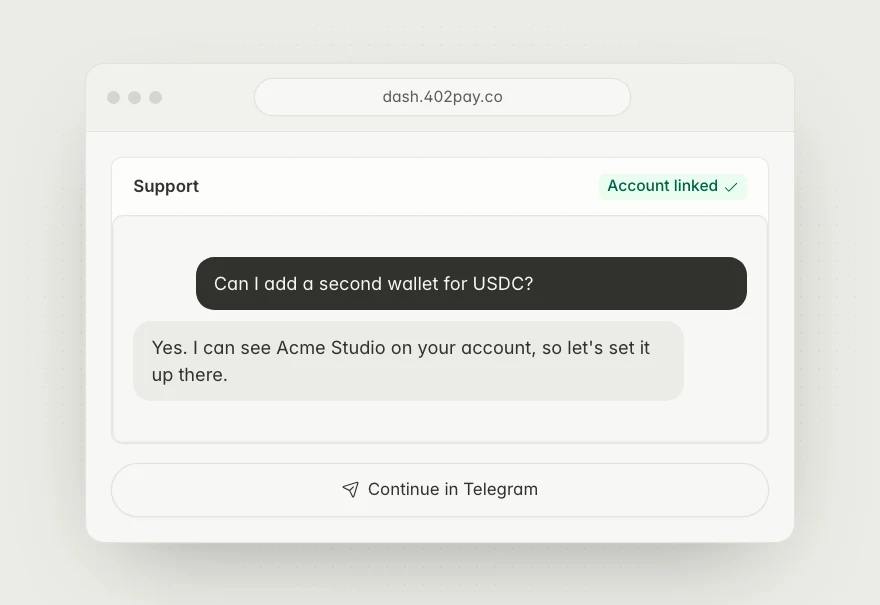
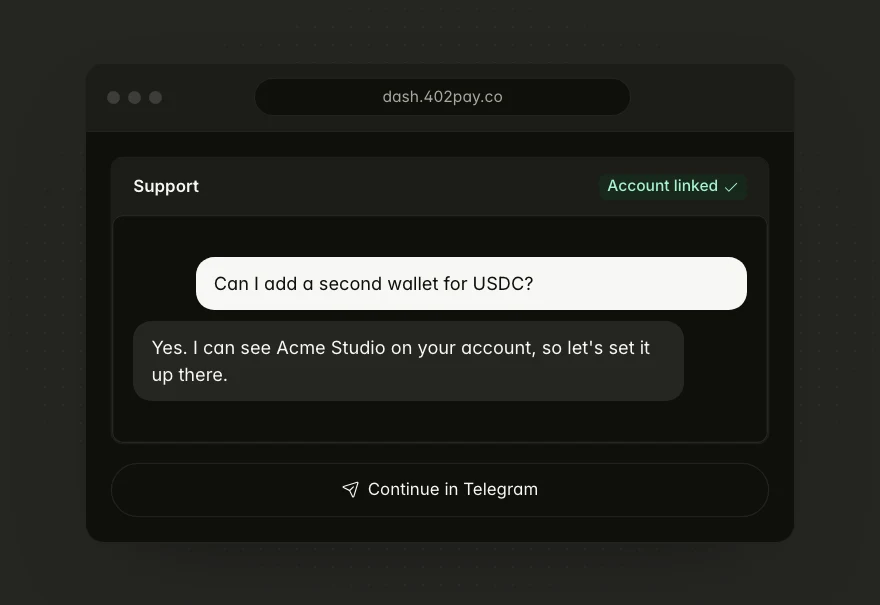
Message support from the dashboard and carry on in Telegram with your account and business already attached, so you never have to explain who you are.
Learn more about Support chat, linked to your account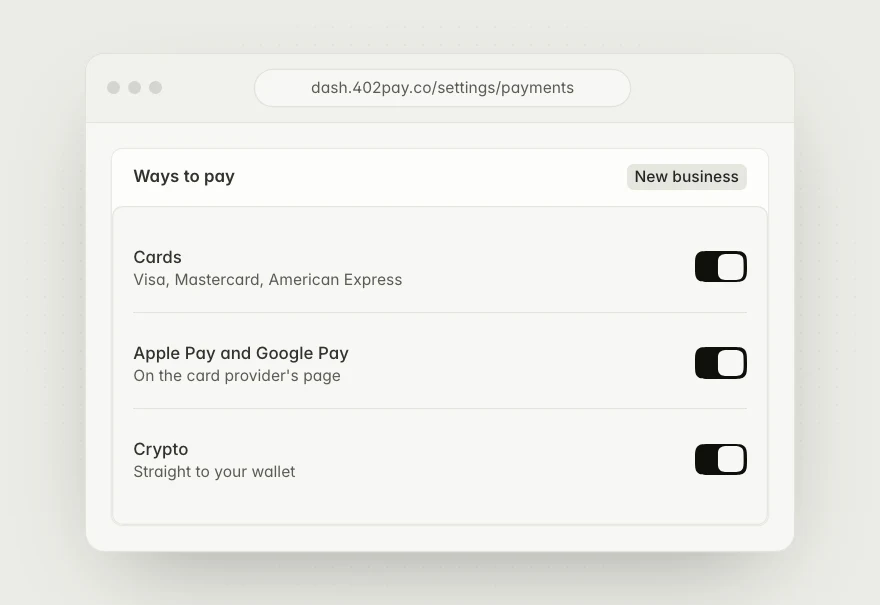
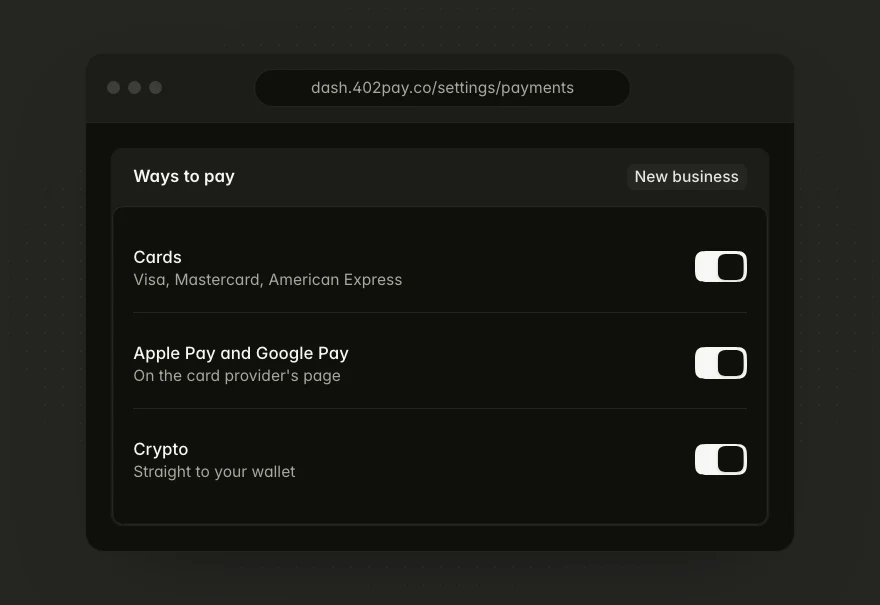
New businesses accept cards, Apple Pay, and Google Pay from the start. There's no merchant account to apply for: each card payment is routed to a card provider that serves the customer.
Learn more about Cards on from day one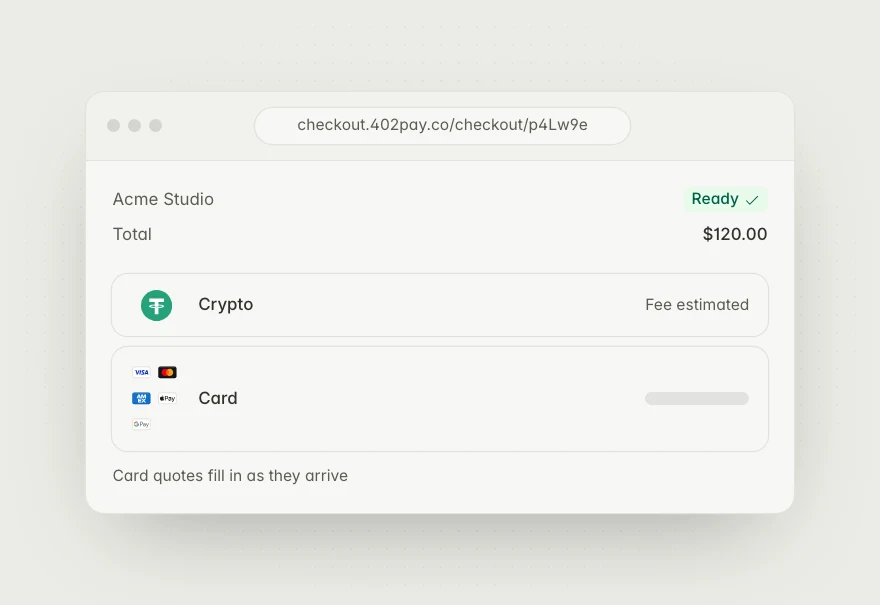
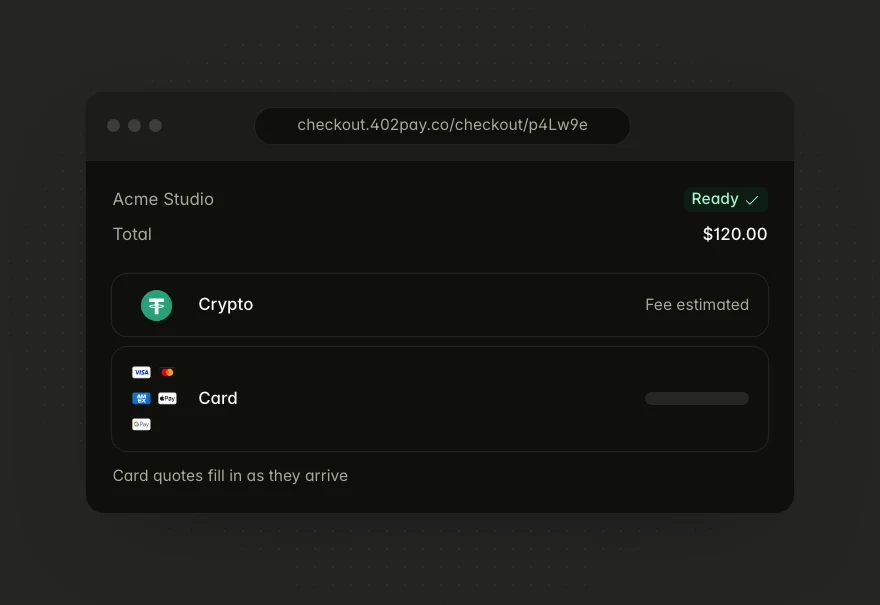
The pay page no longer waits on networks or card providers before it appears. Fee estimates are read ahead, and card quotes fill in as they arrive.
Learn more about A faster pay page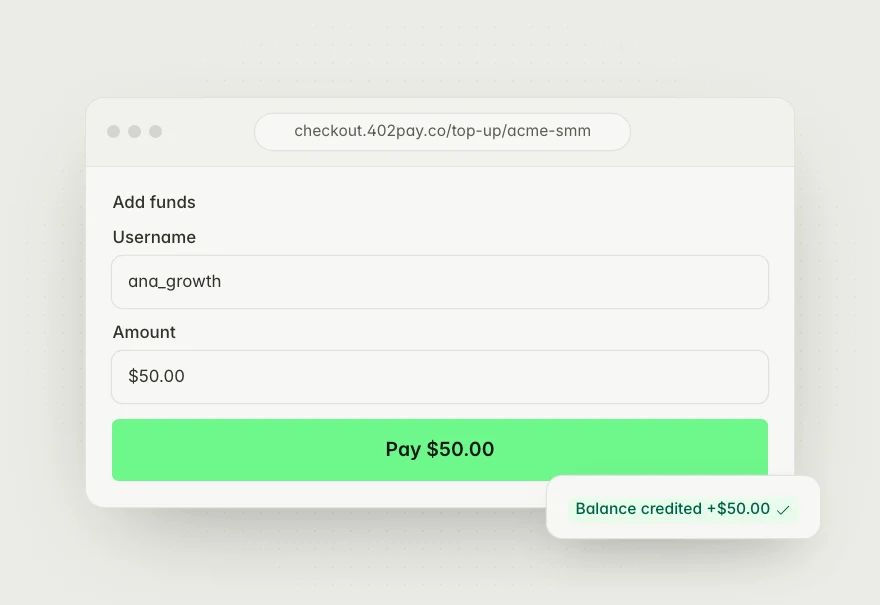
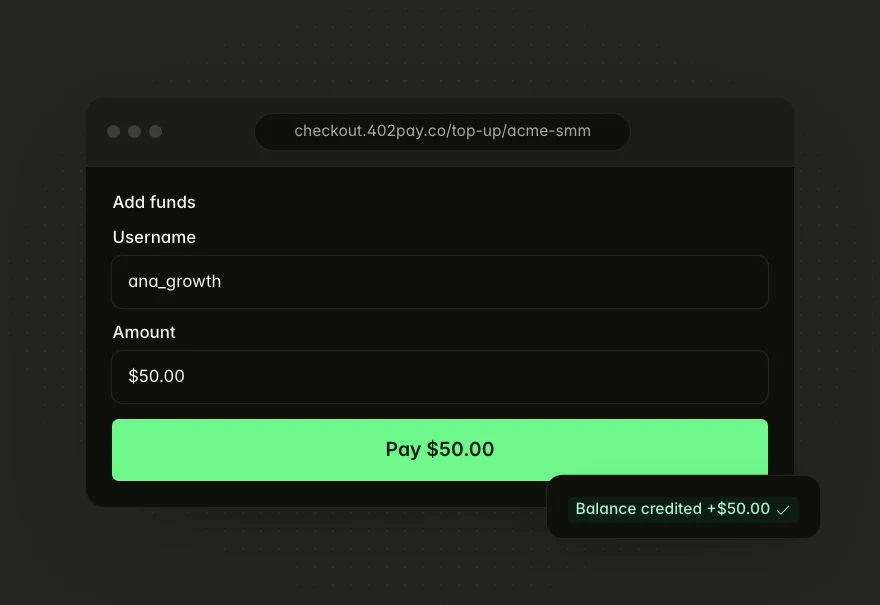
Connect a Perfect Panel, and buyers top up on a form embedded in its Add funds page. Each payment credits their panel balance as soon as it succeeds.
Learn more about Perfect Panel balance top-ups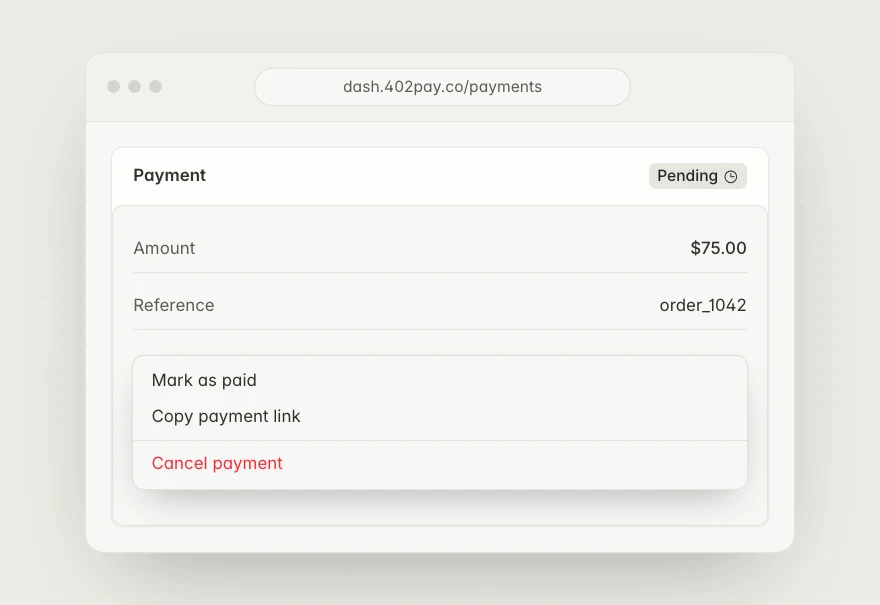
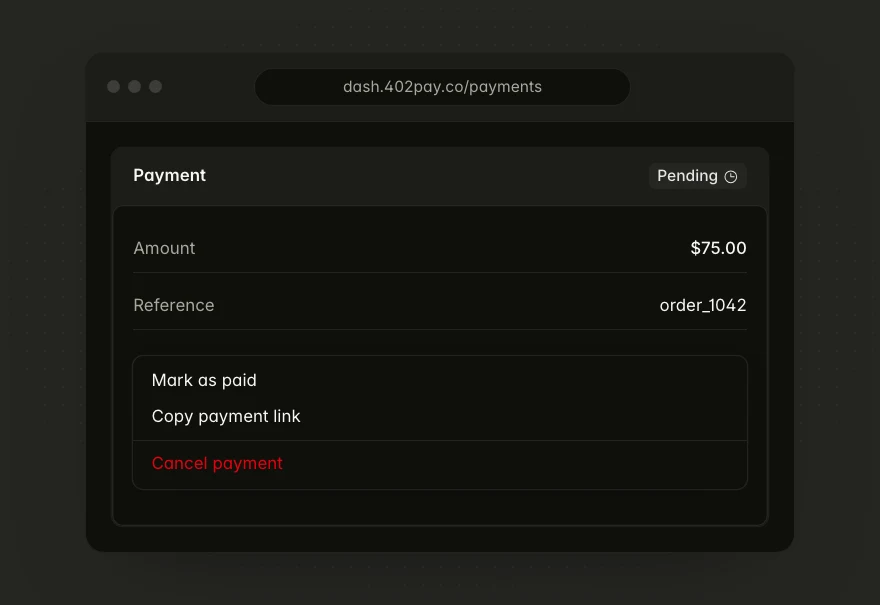
When a customer settles another way, mark the pending payment as paid from its sheet. It shows as marked paid in your payments and in the API.
Learn more about Mark a pending payment as paid