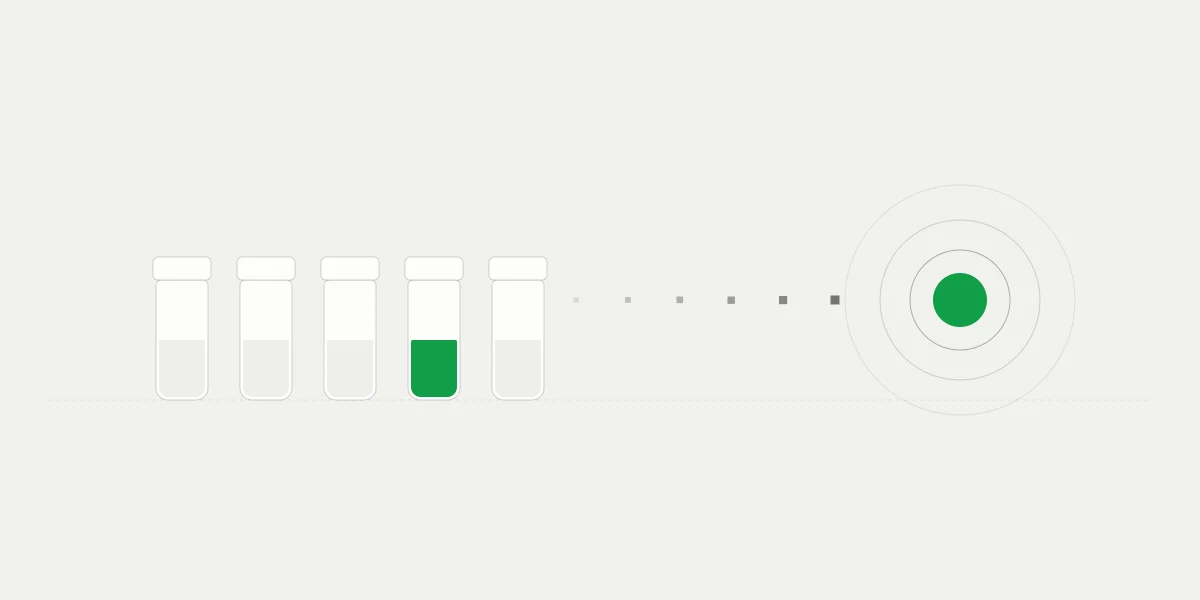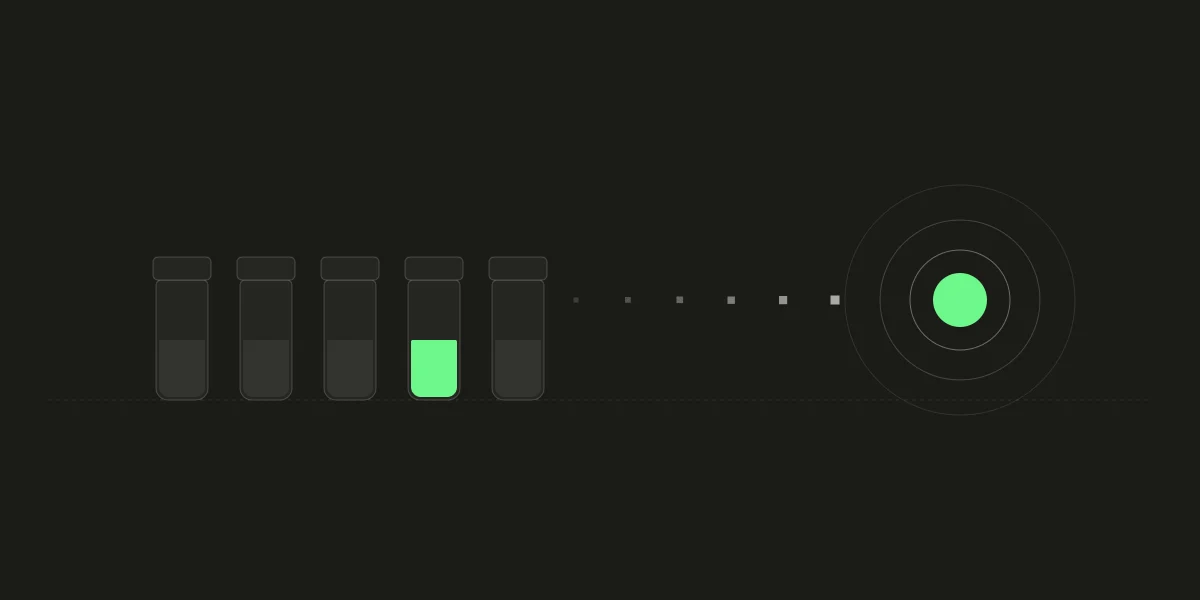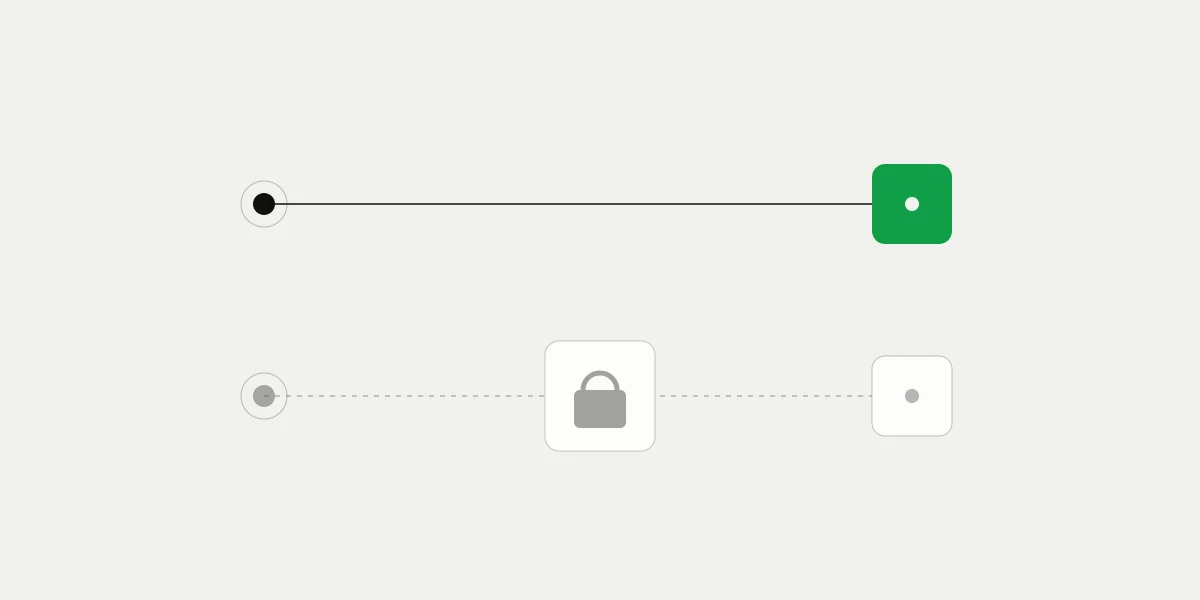
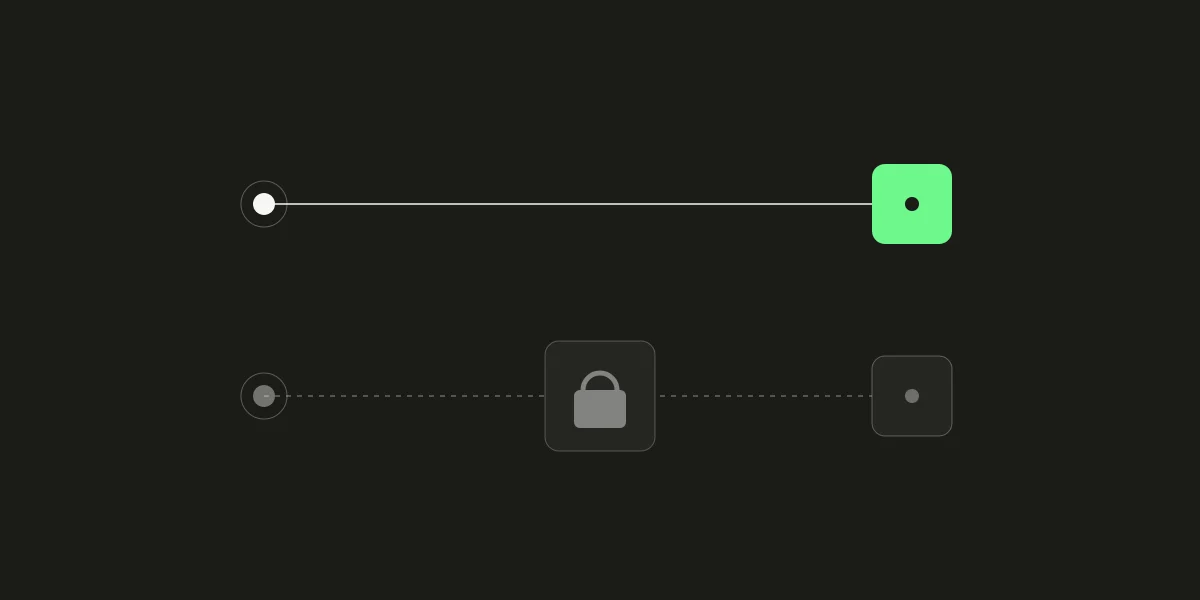
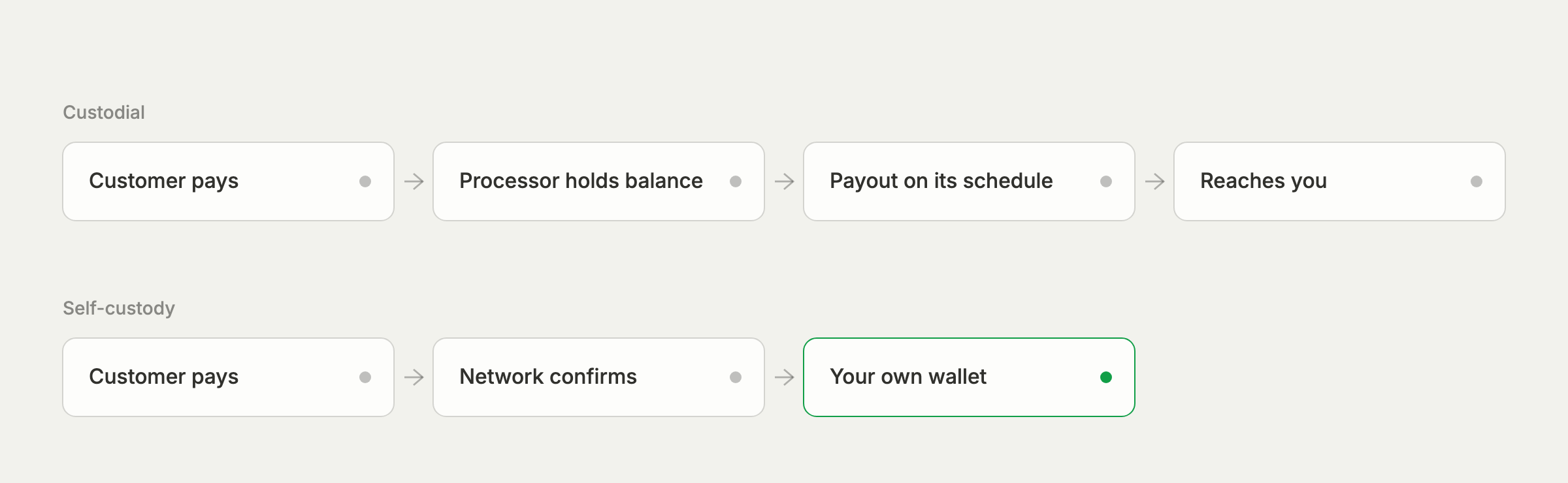
Every payment processor answers one question, often without saying so: between the moment a customer pays and the moment you use the money, who holds it? With a custodial processor, the processor does. Funds collect in an account it controls and reach you as payouts. With a self-custody processor, they go straight to a wallet whose keys only you hold, and the processor never has them at all.
The difference sounds abstract until something goes wrong, or until month end. This post walks through what changes for a business in practice, in where the money sits, control, fees, operations, and accounting, and what you take on in return. 402pay is self-custody, so we'll be specific about how it works here, including the parts that ask more of you.
Where the money is between sale and use
A custodial processor records each sale against a balance it keeps for you. That balance is the processor's liability to you, not money in your possession. It reaches you on a payout schedule, and the schedule is the processor's to set: daily, weekly, or longer for a new account or a risky-looking month.
With self-custody, there is no balance in between. On 402pay, each checkout pays an address in your own wallet, and the payment counts as paid once its network has confirmed it. The money is yours from that point, on a Sunday as on a Monday. Card payments follow the same path: once the card is approved, the payment is converted to crypto and delivered to your wallet, the same way a crypto payment arrives.
Who can move it
The more important difference is control. A processor that holds your balance can hold it longer. Reserves, rolling holds, and frozen accounts are ordinary tools of custodial processing, and they exist for real reasons: the processor carries the risk of refunds and disputes it can't recover from you. But they mean your cash flow depends on another company's risk decisions.
A self-custody processor has no such lever. 402pay's servers hold the public keys of your wallet, which can create new receiving addresses for each checkout but can't sign anything[2]. Your recovery phrase is generated in your browser and stored only encrypted with a password we never receive. We can't move a payment, hold one back, or reverse one, and neither can an API key.
A balance someone else holds can be paused. A wallet only you can sign for can't.
How fees get paid
Custodial processors usually take their fee out of each payment before it reaches the balance, so a $100 sale shows up as something less. That is convenient, and it is also why the fee is easy to overlook.
A self-custody processor has nothing to deduct from. On 402pay, every payment lands whole and fees go on a statement instead. Once a business owes $25.00 or more, the next checkout whose whole total fits within what it owes pays 402pay's address instead of the business's wallet, and that repeats until the balance is paid. Payments are never split, and each payment's record says whether it went to the wallet or to fees. It is the one case where a payment doesn't land in your wallet, and it is shown on the payment and on your fee statement.
What you take on
Self-custody moves responsibility as well as control. The ones that matter most:
| Your recovery phrase | 24 words that are your wallet, in the standard most wallet apps use. Anyone who has them controls the funds; if you lose them and your encryption password, nobody can restore access, us included. |
|---|---|
| Who can send | Sends are signed in the browser with the wallet's encryption password, separate from the password used to sign in. Decide who on your team knows it. |
| Refunds | There is no refund button on our side. A refund is a send from your wallet, in the coin and amount you choose, paid for with that network's fee. |
| Network coverage | The dashboard signs sends on Ethereum, Base, and Solana. Funds on Tron, Bitcoin, and Litecoin are moved, for now, by restoring the phrase in a wallet app. |
Back up the phrase before the first payment
Write it down, keep it offline, and keep it somewhere other than the device you sign in on. It is the only thing that restores the wallet anywhere else[1].
Some protections come with the product. Changing where payments go is held back: deleting a wallet that has been paid takes effect 24 hours later, with an email that lets the owner cancel it, and the old wallet keeps receiving until then. The security guide covers the rest.
Accounting and reconciliation
With a custodial processor, the books have two layers: the sales the processor recorded, and the payouts that eventually reach the bank, each one a batch of sales minus fees, refunds, and reserves. Reconciling means matching the two.
Self-custody removes the second layer. Each payment has its own deposit on its network, with a transaction hash anyone can check on the network's explorer, and the payment record names the coin, network, address, and amount that arrived. Fees sit on their own statement rather than inside the deposits. The payments export and the wallet's transaction history line up one to one, because every deposit is exactly one payment.
Leaving
Moving away from a custodial processor means waiting for the final payout and any reserve release. Moving away from a self-custody one means taking your recovery phrase with you, since the funds never left your wallet. The phrase restores the wallet in compatible wallet apps, and for Solana, where checkout addresses are made in a way regular wallet apps don't scan for, a public recovery page finds and moves every balance with the phrase alone, without signing in.
Which one fits
| Measure | Custodial | Self-custody |
|---|---|---|
| Who holds funds after a sale | The processor, as a balance | You, in your own wallet |
| When it's yours | On the payout schedule | When the network confirms it |
| Holds and freezes | Possible, at the processor's discretion | No balance to hold |
| Fees | Usually deducted from payments | On a statement; payments land whole |
| Lost credentials | Reset through support | Unrecoverable without the phrase |
| Refunds | A button at the processor | A send from your wallet |
A custodial processor suits a business that wants its revenue in a bank account in its own currency and would rather not manage keys at all. Self-custody suits one that wants funds it can use the moment they confirm, holds or pays out in crypto, or simply doesn't want a third party between its customers and its money. Plenty of businesses run both.
On 402pay, you can create or import a self-custody wallet in the dashboard, or connect a wallet you already use through the API by its public keys. Either is included, with no monthly fee, and either way the payments go to you. The post on checkout addresses explains how we make an address for every checkout without ever holding a key.
Common questions
- Payment processing where funds go straight to a wallet only the business holds the keys to, rather than to a balance held by the processor. The processor never has the money, so it can't hold or freeze it.
- No. 402pay holds only your wallet's public keys, which can make receiving addresses but can't sign, and your recovery phrase is stored encrypted with a password we never receive.
- If you also lose your encryption password, nobody can restore the wallet, including 402pay. Back up the phrase offline before you accept your first payment.
- On 402pay, fees go on a statement rather than coming out of payments. Once you owe $25.00 or more, whole checkouts that fit what you owe pay 402pay's address instead of your wallet until the fees are paid.
- A refund is a send from your own wallet to the customer, in the coin and amount you choose. There is no refund button on the processor's side.
References
- [1]BIP 39: Mnemonic code for generating deterministic keys. Bitcoin Improvement Proposals.
- [2]BIP 32: Hierarchical Deterministic Wallets. Bitcoin Improvement Proposals.
See what 402pay can do for you.
Discover how 402pay helps your business accept any card and get paid in crypto, straight to a wallet you control.