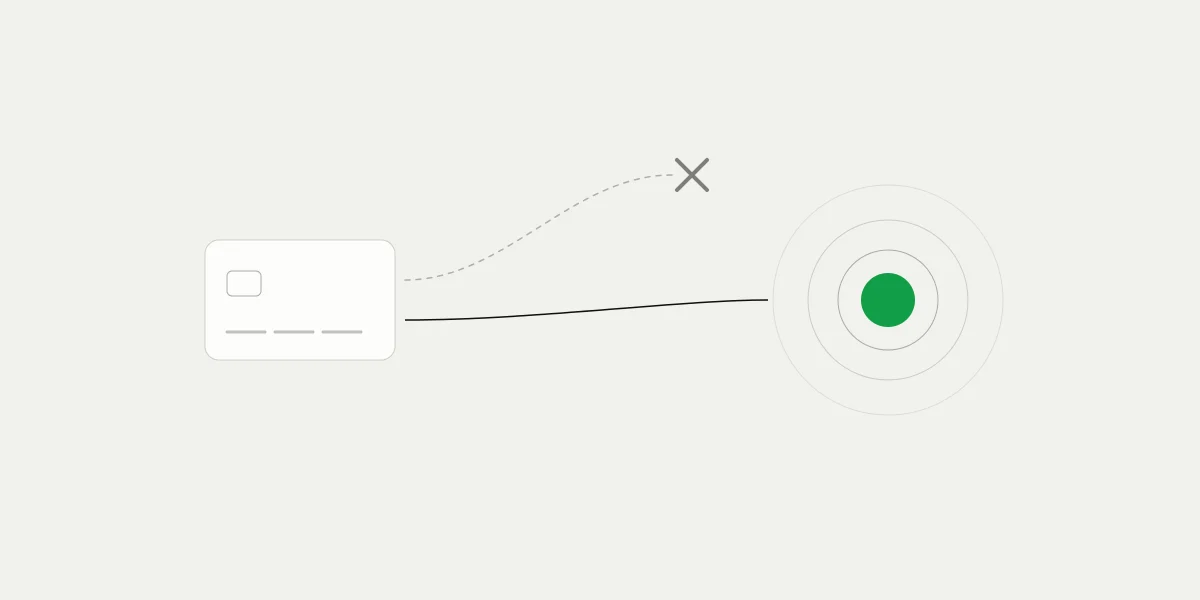
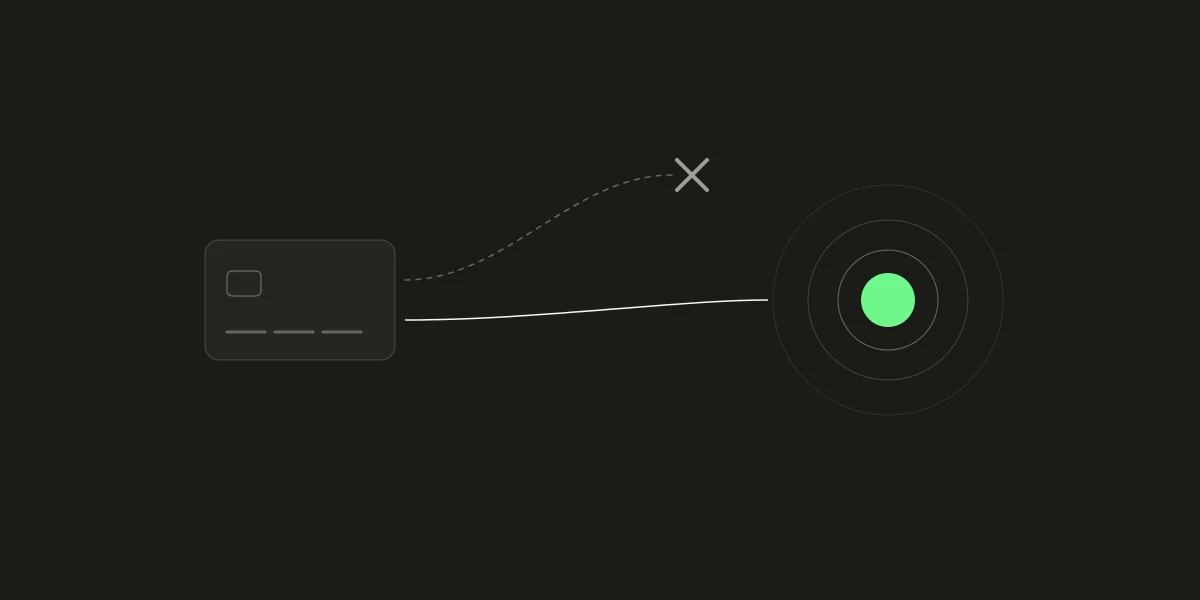
A card decline is rarely a final answer about the customer. The same card that one processor declines can be approved by another, because the decision depends as much on who is asking as on the card itself. Large merchants handle this by connecting several processors and sending a failed payment to the next one. 402pay does the same for card payments, with one difference that shapes the whole design: the card is never in our hands.
This post covers how a card payment is routed on 402pay, what a decline looks like from the customer's side and from ours, and why a retry goes to the next route while keeping the same quote and the same deposit address.
How a card payment reaches a wallet
When a customer chooses to pay by card, checkout opens a secure card page run by a card provider. The customer enters a card or uses Apple Pay or Google Pay there, passes any identity check their bank asks for, and the provider converts the charge to crypto and delivers it to an address made for that checkout in the business's wallet.
Two consequences follow. Card details are entered on the provider's page and never reach 402pay, the dashboard, or the receipt. And 402pay learns that a card payment succeeded the same way it learns about a crypto payment: the funds arrive at the checkout's address, at the amount its quote asked for. The card-to-crypto explainer covers the model in more depth.
Why the same card can pass on one route and fail on another
A decline can come from the card's issuer or from the provider processing the payment, and the reasons differ between the two:
| The issuer | Insufficient funds, a limit on online or cross-border purchases, a failed identity check, or a risk rule about the kind of merchant. |
|---|---|
| The provider | The countries and currencies it serves, the smallest and largest amounts it takes, and its own risk checks. |
Because each provider reaches the card networks through its own banks and applies its own rules, a decline on one route says little about the next. That is the case for having more than one route, and for letting a declined customer reach another before giving up on the card.
Choosing a route
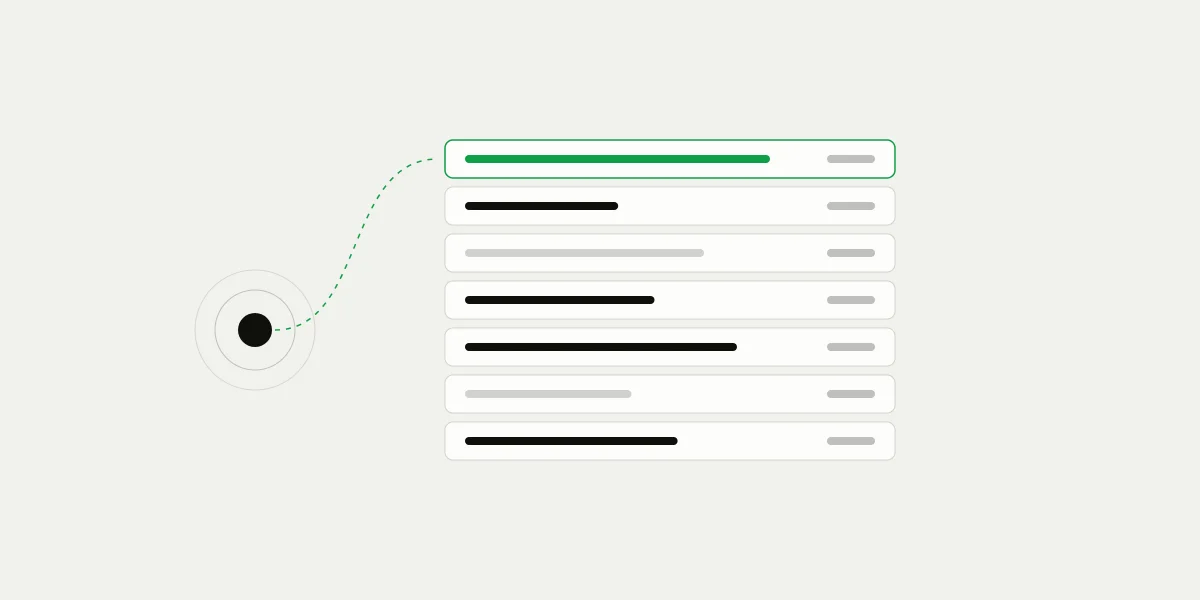
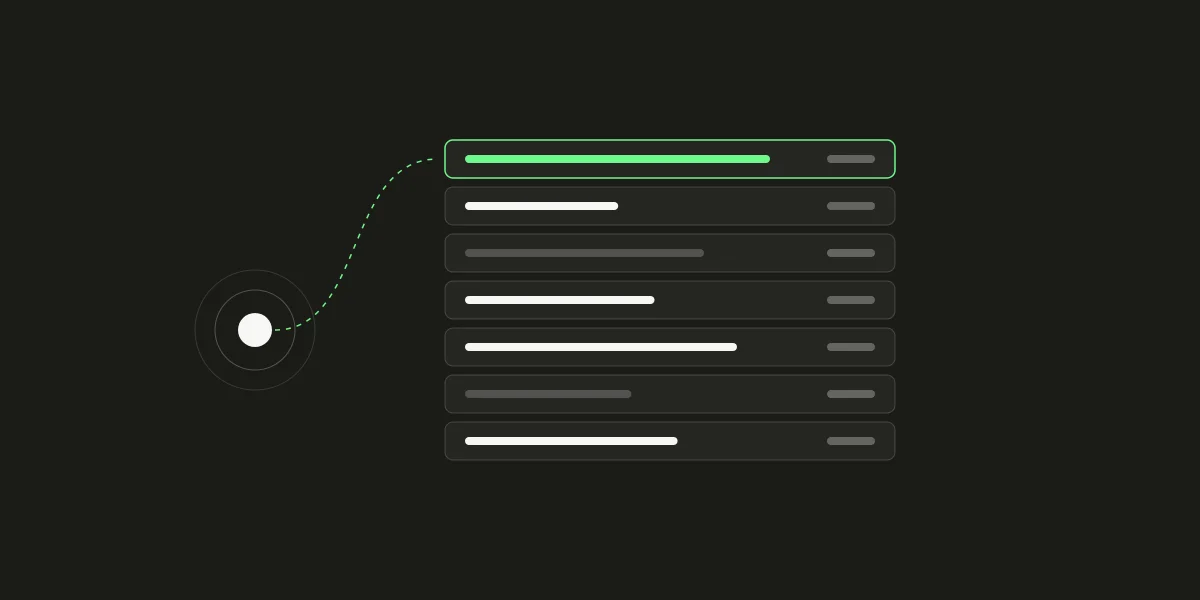
402pay connects several card providers, and each is a route with its own coverage: the countries it serves, the currencies it accepts, and an amount range. Routes are ranked by priority. When a customer chooses to pay by card, checkout looks for routes that:
- Serve the customer's country and the price's currency.
- Take the amount, including any processing fee the customer pays.
- Can deliver a coin the business's wallet accepts, on a network that's running normally.
The first attempt goes to the highest-ranked route that qualifies. If none serves the customer's country, checkout says card payments aren't available in their region yet and offers crypto instead; nothing is charged and nothing waits. If the amount is outside what every route takes, checkout can't take that amount by card.
When the card is declined
The decline happens on the provider's page, with the customer in front of it. When they come back to checkout, it offers two ways forward: Try again with a card, or Pay with crypto instead. Trying again does the following:
- Picks the next route by priority, skipping every route already tried on this checkout.
- Keeps the quote and the deposit address, and opens the new route's card page.
- Closes the previous attempt, so its page can't be used again.
- Starts a fresh time window for the new attempt.
The retry is offered only while an untried route remains that serves the customer and delivers the same coin on the same network. Once every eligible route has been tried, checkout tells the customer their card was declined and that they can still pay with crypto.
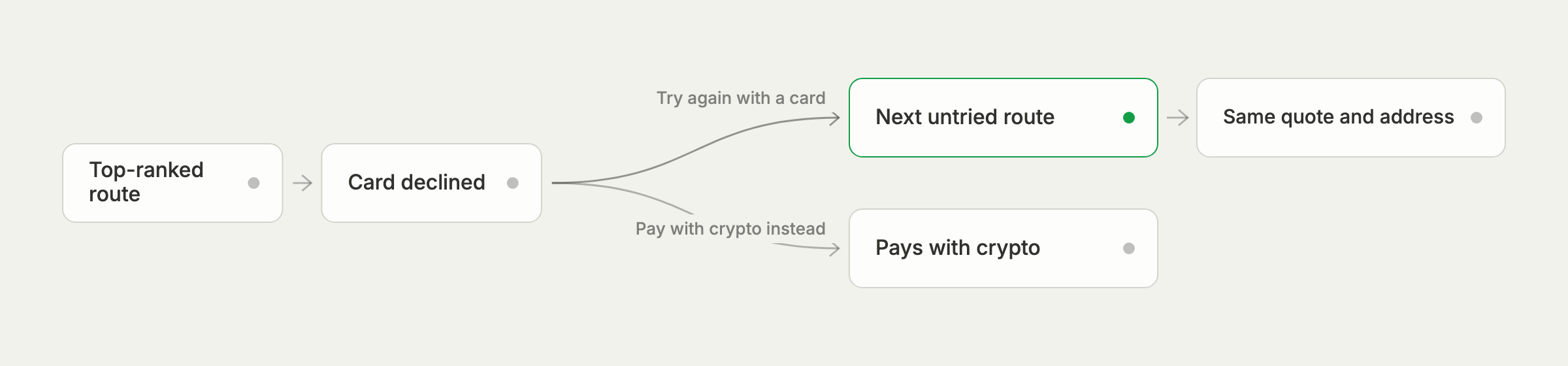
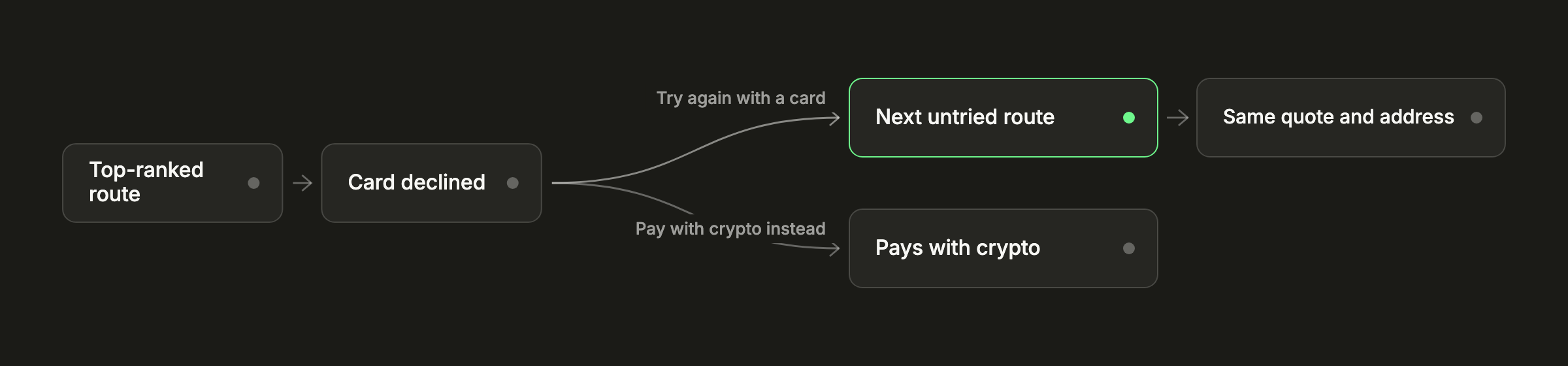
A decline ends an attempt, not the payment.
Why the quote and address don't change
Keeping the quote and the address across attempts is what makes multi-route retries safe. Every route delivers to the same address, and that address belongs to one checkout, so any delivery that arrives pays the right payment, whichever provider sent it and whenever it lands. There is no second payment to reconcile and no question about which order a transfer belongs to. Our post on checkout addresses explains how those addresses are made.
The quote stays for a similar reason. The customer was shown a total, and moving to another route shouldn't change it. The amount the business receives is the one the quote fixed.
Why the customer starts the retry
Card platforms that retry automatically can do so because they hold the card details and can send them to a second processor. 402pay deliberately doesn't. The card is entered on the provider's page, so the only way to take it to another route is for the customer to enter it there. That's also the moment they can choose a different card, or a wallet, which often changes the outcome more than the route does.
It also means 402pay doesn't wait on a decline message. Providers report the outcome by delivering funds; the customer knows about a decline before anyone else, and checkout puts the next option in front of them right away.
Time limits and failed payments
Each attempt has a window of a day, since a card provider can hold a purchase while an identity check finishes. If no funds arrive in that window and the customer hasn't moved on to another route, the attempt times out and the payment fails, firing payment.failed. What happens next depends on where the payment came from:
- A payment from a link is final once it fails. The customer can start again from the link.
- A payment created through the API goes back to pending when the customer reopens its checkout, until the payment's own
expires_at.
A failed card payment carries a failure_code that says why, such as region_unsupported when no route serves the customer's country, or route_timeout when an attempt wasn't completed within its window.
Declines cost nothing
402pay's card fee, 4% + 30¢, is added to the fee statement only when a payment succeeds. A declined or timed-out attempt adds nothing.
Keeping approvals high
Routing does most of the work, but a few choices on the business's side help it:
- Keep crypto on beside cards, so a customer whose card fails everywhere still has a way to pay.
- Name links and payments clearly. A customer who recognizes the purchase is less likely to abandon an identity check or dispute the charge.
- Give API payments enough lifetime with
expires_atfor a customer to come back and try again. - Set a support email on your profile, so customers ask you before they ask their bank.
Our Support pages cover what customers see after a decline, and the card payments guide covers handling card payments from your server.
Common questions
- Checkout offers the customer two options: try again with a card, which sends the attempt to a card route that hasn't been tried yet, or pay with crypto instead.
- No. Every attempt on a checkout keeps the same quote and pays the same deposit address, so the total doesn't change.
- Card details are entered on the card provider's page and never reach 402pay, so the customer enters them on the next route's page. That's also when they can choose another card.
- No. The card fee is added only when a payment succeeds.
- Checkout tells the customer card payments aren't available in their region yet and offers crypto instead.
See what 402pay can do for you.
Discover how 402pay helps your business accept any card and get paid in crypto, straight to a wallet you control.