
During the public beta, 402pay charges nothing. Every fee we would normally take on a payment is waived, for every business, on every way to pay. There is nothing to apply for and nothing to turn on: the payments you take now land in your wallet whole, and your fee statement doesn't grow.
This post covers what the waiver includes, the fees that remain because they were never ours, where your dashboard shows it, and what changes when the beta ends.
What's free
402pay normally charges a fee on every successful payment, set by how the customer paid. During the beta that fee is zero:
| The fee on each payment | Both its share of the price and its fixed part, whether the customer paid by card, with crypto, or through a provider account you linked. |
|---|---|
| A fee on the customer's total | If you've turned on customers pay the fees, checkout adds nothing to their total. They pay your price. |
| Your fee statement | A payment that succeeds during the beta adds no fee to what you owe, and none is billed later. |
Nothing about how you integrate changes. Payment links, the API, and webhooks behave as before; the difference is in the numbers they report. A payment that succeeds books a fee of zero, so a payment's net is its whole amount. The fees and billing guide covers the fields.
What still costs something
Some of what moves with a payment was never 402pay's charge, so the beta can't waive it:
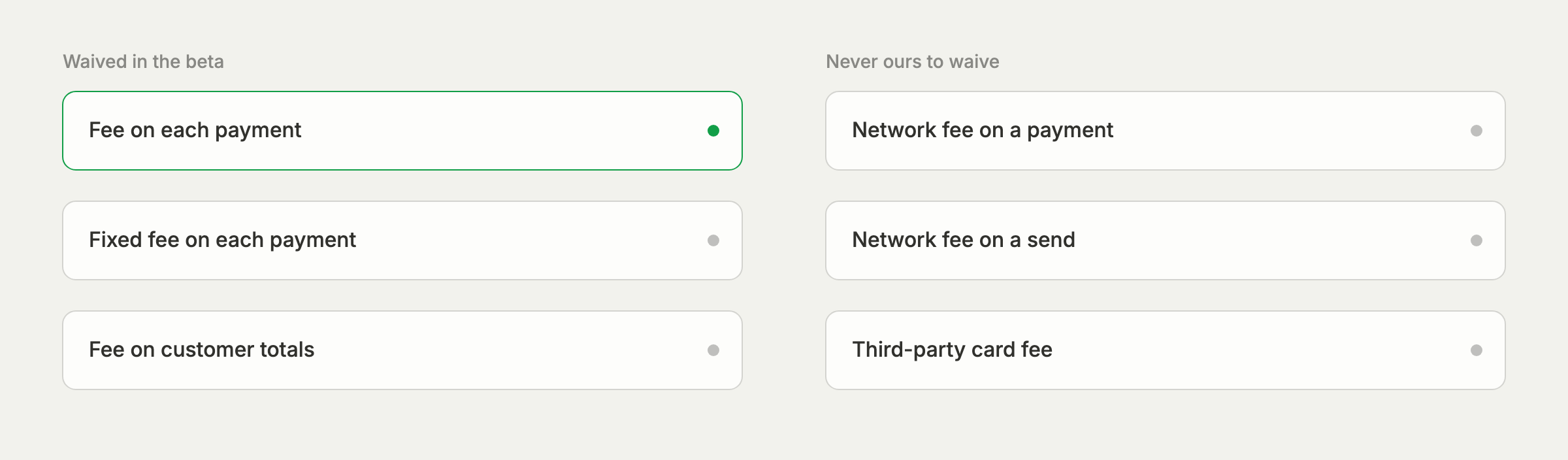
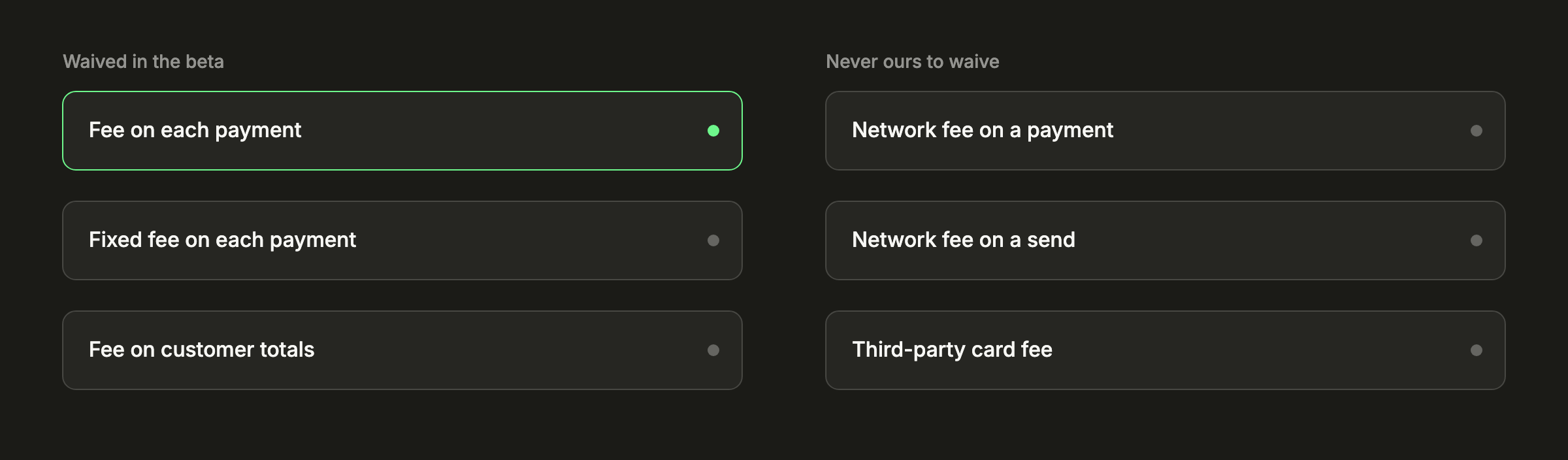
| Network fees | A crypto payment pays the network a small fee, in the network's own coin. The customer's wallet pays it on top of what they send, and checkout shows an estimate beside the total. When you send from your wallet, your wallet pays it. See network fees. |
|---|---|
| A card provider's own fee | A card is charged by a provider that sets its own fee. Checkout labels it a third-party processing fee and includes it in the customer's total, as an estimate when it can't be exact, or says the provider sets it when it can't be known ahead. |
| A linked provider's fee | If you link your own account at a payment provider, the money goes to that account and the provider keeps its own fee, as it always has. |
| Fees you owed before | Fees from before the beta stay owed and are collected as usual. See how fees are collected. |
The third-party fee is the one customers sometimes read as ours, which is why checkout now spells out whose it is. Our post on what a crypto payment really costs goes through each layer of cost, and the cost comparison shows what card and crypto payments cost side by side.
Where you'll see it
Your dashboard says plainly that nothing is being charged, so a zero never looks like a mistake:
| The Fees card | In Settings → Payments, the card carries a Beta badge and says fees are free during the public beta. The Customers pay the fees switch stays, and says what it will do once the beta ends. |
|---|---|
| Billing entries | A fee booked at nothing reads as waived during the public beta on your fee statement. |
| A payment's details | The rate reads Waived, and the transaction fee row says it was waived during the public beta. |
| Referrals | A referral earns a share of the fees a referred business pays, so there is nothing to share yet. The share starts with the fees they pay once the beta ends. |
| This site | The announcement at the top of every page links to pricing, where each fee shows struck through beside Free. |
When the beta ends
The beta is one switch on our side. It isn't a setting on your account, a plan you're on, or a change to your integration, so nothing is migrated when it turns off. Your links, your API calls, and your settings stay as they are, and the fees return as the pricing page lists them for each payment type:
| Measure | During the beta | After the beta |
|---|---|---|
| Processors | Free | 1% + 10¢ |
| Crypto | Free | 1% + 10¢ |
| Digital | Free | 2% + 15¢ |
| Finance | Free | 2% + 15¢ |
| Cards | Free | 4% + 30¢ |
After the beta, a payment's fee is its payment type's, worked out on the price and added to your fee statement, never taken out of the deposit. If you've chosen to have customers pay the fees, checkout adds the fee to their total again. Our pricing page has a fee picker and calculator that show both the beta and the fee that follows.
Price with the fee that follows
If you're setting prices now, check them against the fee after the beta. A price that only works at zero fees stops working when the beta ends.
Accept payments now at no fee, and know exactly what comes after.
Common questions
- No. The fee on each payment is waived on every payment type, and nothing is added to a customer's total. Network fees and a card provider's own fee are not 402pay's, so they still apply.
- No. It applies to every business automatically, and your links, API calls, and settings don't change.
- 402pay charges no fee on them. The customer may still see a third-party processing fee, which the card provider sets. Checkout shows it in their total, or says the provider sets it when it can't be known ahead.
- No. A payment that succeeds during the beta books a fee of zero, so there is nothing to bill afterward.
- They stay owed and are collected the usual way: from incoming payments once enough is owed.
- The fees on the pricing page apply to each payment type. Nothing needs migrating, because the beta is a switch on 402pay's side rather than a setting on your account.
See what 402pay can do for you.
Discover how 402pay helps your business accept any card and get paid in crypto, straight to a wallet you control.