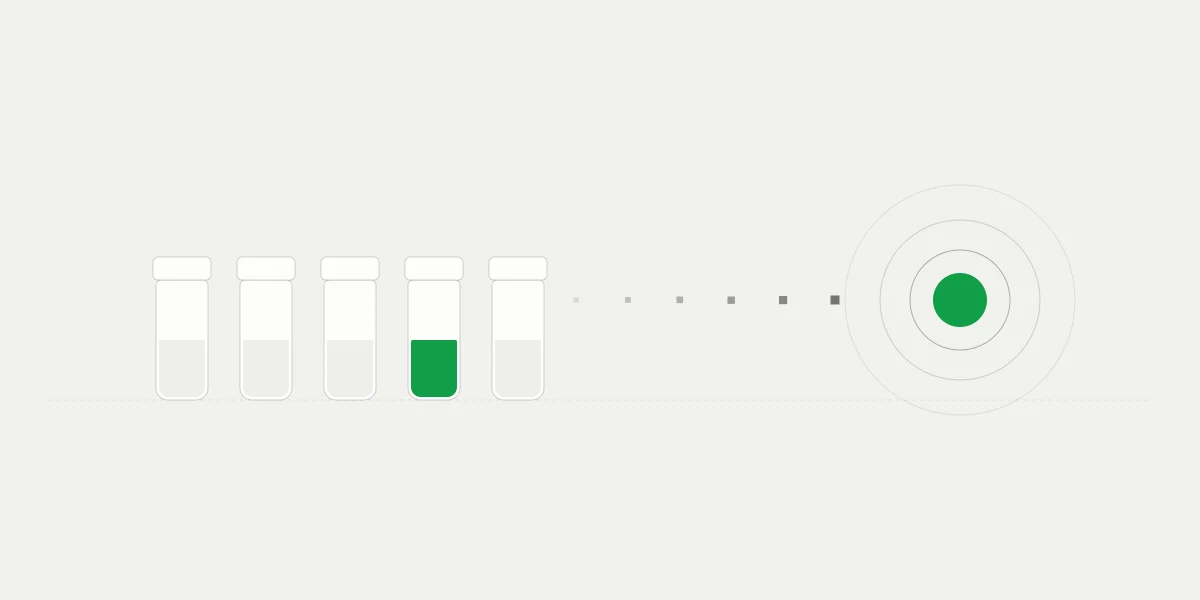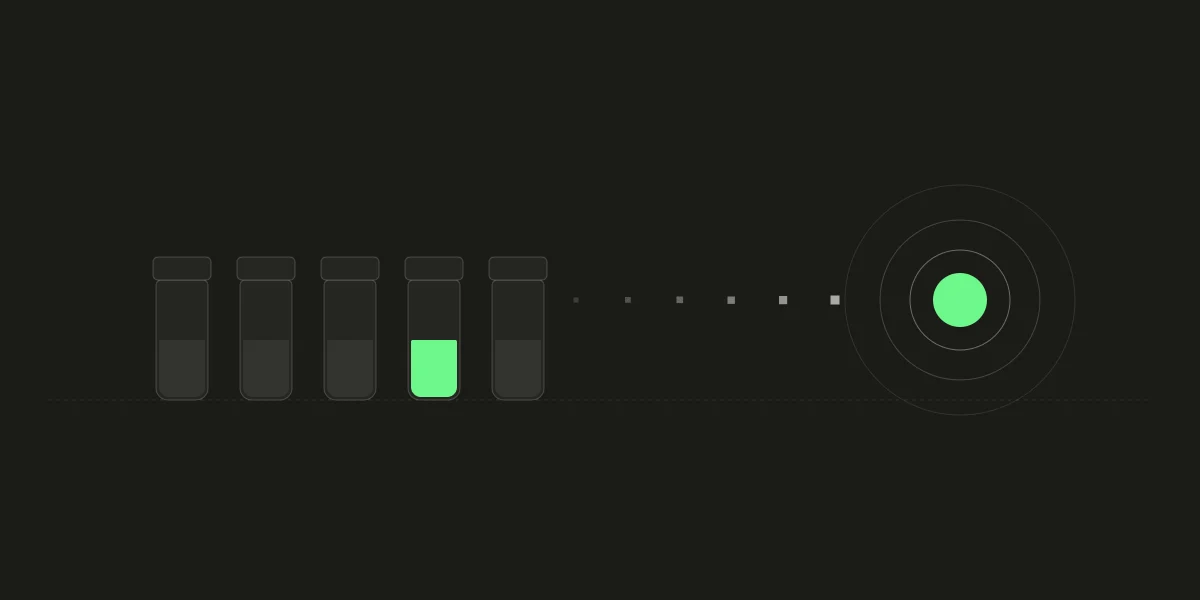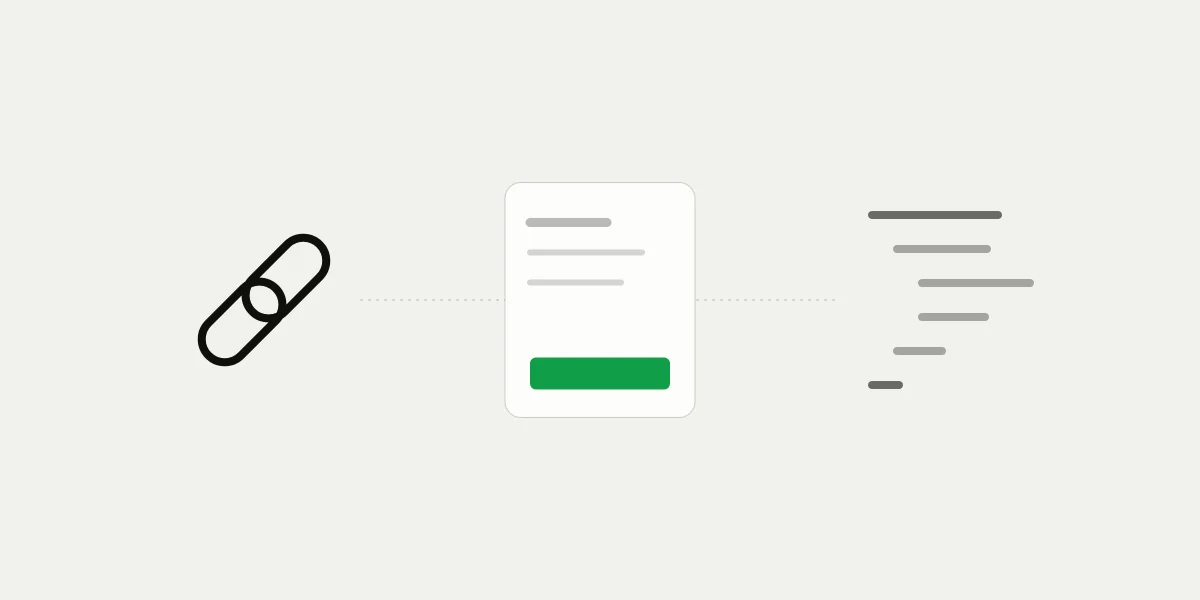
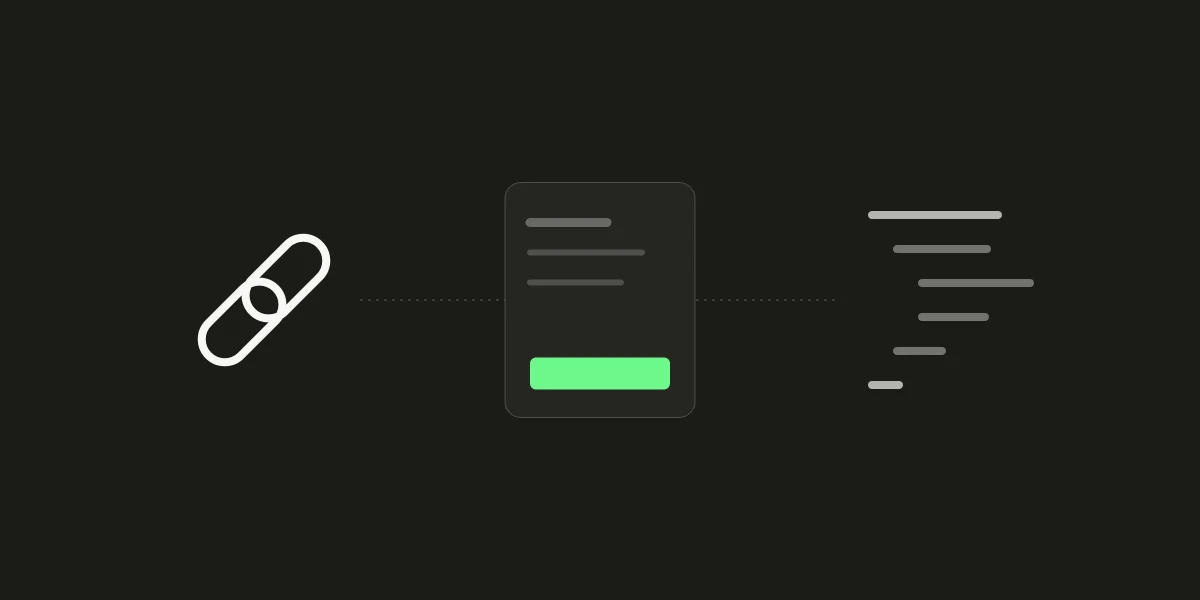
402pay gives a business two ways to ask for money. A payment link is a hosted checkout with a fixed price, created in the dashboard and shared as a URL. An API payment is created by your server for one specific order, with the exact amount and your own reference, and comes back with a checkout URL of its own.
Both end in the same hosted checkout, take the same cards and coins, and pay out to the same wallet. What differs is who decides the amount, how many payments one URL can produce, and how each payment ties back to your records. This post walks through those differences so you can pick the right one for each thing you sell, and run both when you need to.
What the two have in common
It helps to start with what doesn't change. Whether a customer arrives from a link or from your server, they land on the same hosted checkout. It offers every method you've turned on in Settings: cards, Apple Pay, and Google Pay if card payments are on, and each coin and network you accept. Crypto quotes, the fresh address per checkout, confirmations, and underpayment handling all behave identically.
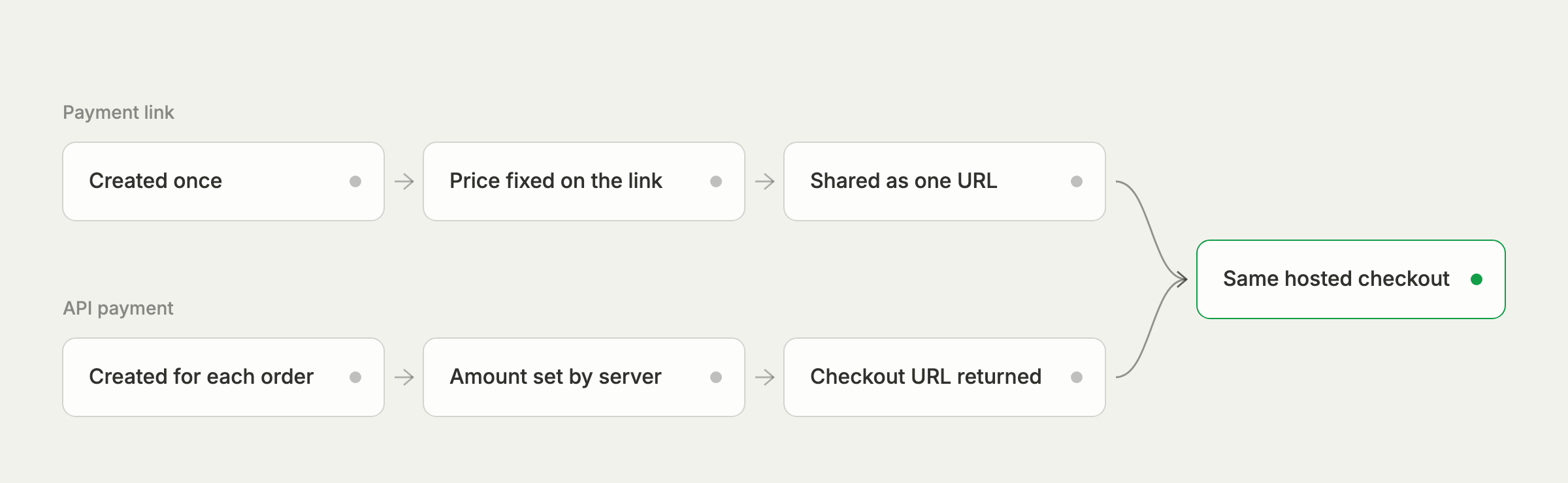
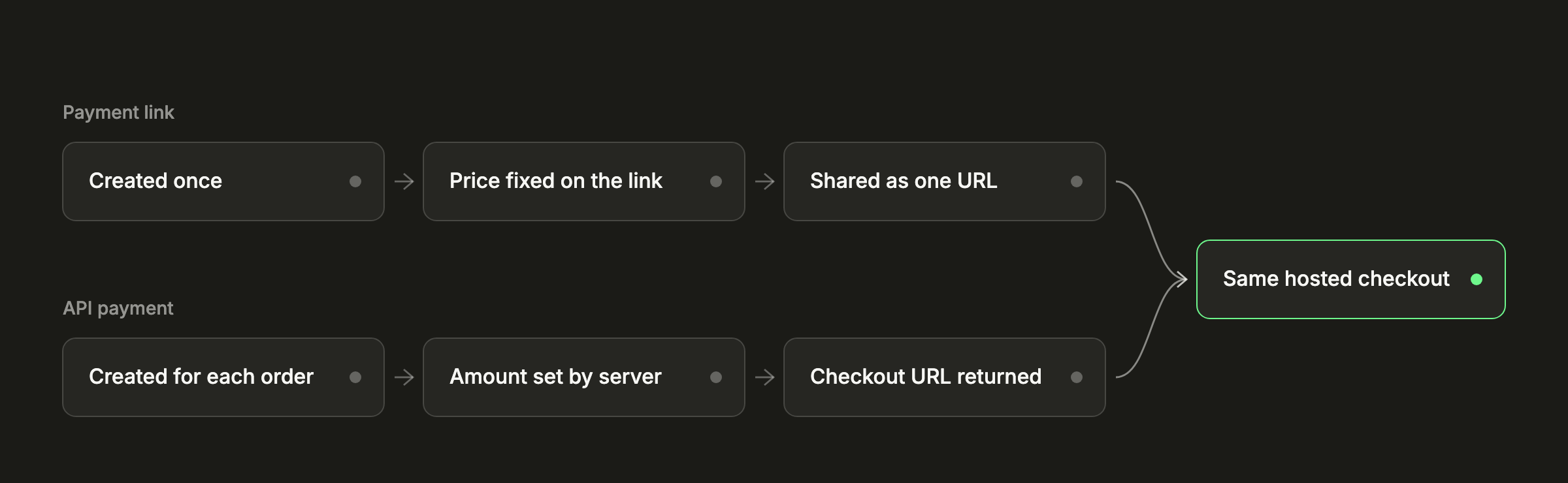
The result is also the same. Each successful attempt is a payment with a status, an amount in the currency you priced it in, its value in US dollars, a fee breakdown, and the transfer that paid it. It appears in Payments, it's in the CSV export, and it fires the same payment.* webhook events. Your fulfillment code doesn't need to know which path a payment came from, only how to find the order it belongs to.
How a payment link behaves
A link has a price, in one of the currencies 402pay supports, and optionally a name, a description, and a success URL. Its address never changes, so it can sit on a product page, in an email signature, or on a printed QR code for as long as the link exists.
The key property is that a link is one URL for many payments. Every customer who opens it and pays creates a new payment, tied to the link by its link_id. Nothing on the link knows which of your orders a given customer meant to pay for, so matching happens by the link (what was bought) and the customer (who bought it, from the email checkout collects).
Links are edited, archived, and restored rather than canceled. A change to the price applies to new checkouts, while one already open keeps the quote it showed. Archiving stops new payments without losing the link's history. Links can be managed from the dashboard or created through the API with the same fields, so a catalog can generate a link per product without anyone typing them in.
How an API payment behaves
An API payment is the opposite shape: one payment, created for one order, at the moment the customer is ready to pay. Your server sends the amount and currency, and anything else it wants to carry through: a reference such as your order number (up to 64 characters), a description, the customer's email, up to 20 metadata pairs and a success URL.
curl -X POST "https://dash.402pay.co/api/v1/payments" \ -H "Authorization: Bearer $PAY402_SECRET_KEY" \ -H "Content-Type: application/json" \ -d '{ "amount": "128.40", "currency": "USD", "reference": "order_1042", "description": "Order 1042: 3 items", "customer_email": "[email protected]", "metadata": { "cart_id": "c_88f2" }, "success_url": "https://example.com/orders/1042" }'The response carries a url, the payment's own hosted checkout. You redirect the customer there. If they switch from USDC to a card, or let a crypto quote run out and come back, each attempt is a new checkout on the same payment, so you still end up with exactly one payment for the order.
An API payment also has a lifetime. It stays payable for 24 hours unless you set expires_at to anything from 15 minutes to 30 days, and you can cancel it while it's still pending, for example when the customer abandons the cart. Link payments can't be canceled that way, because each one is a customer's own attempt.
References make retries safe
A reference names one live payment. If your server retries a create with the same reference, amount, and currency, it gets the existing payment back instead of a second one. The same reference with a different amount, or on a payment that already received funds, is refused. Our post on safe retries covers the rest of the API.
Side by side
| Measure | Payment link | API payment |
|---|---|---|
| Amount | Fixed on the link | Set per order by your server |
| Payments per URL | Any number, one per customer who pays | One payment, any number of attempts |
| Created by | The dashboard or the API, once | Your server, for every order |
| Matched to your records by | The link and the customer | Your reference and metadata |
| Lifetime | Until you archive it | 24 hours by default, 15 minutes to 30 days |
| Stopping it | Archive the link | Cancel the payment |
| Code needed | None | A server call and a webhook handler |
Both accept prices of $1.00 and $1,000,000.00 in US dollars, with the same floor in other currencies, and both use your checkout settings for the rate lock and underpayment tolerance.
When a link is the better choice
A link is the right tool whenever the price is part of the offer rather than the result of a cart:
- A single product, plan, or service at a published price.
- An invoice or a deposit, sent by email or message with the link in place of bank details.
- In-person sales, where a QR code on a counter or a sign does the job of a terminal.
- Testing demand for something new before building any integration around it.
- Teams without a backend, or with one that isn't ready yet.
The trade-off is precision. If two customers pay the same link, you have two payments and need the customer's email to tell them apart. For a fixed-price product that's exactly what you want; for an order with its own number, it's extra work. Our guide to payment links covers getting the most from each one.
When to move to the API
The API earns its integration cost as soon as any of these is true:
- The amount changes with every order: a cart, a quote, usage, taxes, or shipping.
- Each payment has to map to exactly one record in your system, without a person matching them.
- The offer should expire, such as a reserved seat or a time-limited quote.
- You want to prefill the customer, so the payment is attached to them before they pay.
- Some orders should pass the fee to the customer and others shouldn't, set payment by payment.
None of this requires a large project. The accept a payment guide covers the create call, the redirect, and the webhook handler, and a restricted key with Write on Payments is all the server needs.
A link sells a price. An API payment collects an order.
Running both at once
Most businesses that grow into the API keep their links. A common setup is an API checkout on the website for carts, links for invoices and one-off deals sent by the sales or support team, and a QR code for in-person sales. All three land in the same wallet and the same Payments list.
Keep fulfillment in one place by handling payment.succeeded for both: if the payment has a reference, look up the order by it; if it has a link_id, map the link to the product and the customer to the account. The payments list filters by link and searches by reference, so finance can split the two with a filter rather than a spreadsheet. The webhooks guide covers verifying and handling each event.
Common questions
- Yes. Both open the same hosted checkout, offer the same cards, coins, and networks, and pay out to the same wallet.
- Yes. A link is one URL for many payments: every customer who pays it creates a new payment tied to the link.
- 24 hours by default. You can set expires_at to anything from 15 minutes to 30 days from now, or cancel it while it's still pending.
- If both requests carry the same reference, amount, and currency, the second gets the existing payment back instead of creating another one.
- Yes. Many businesses use the API for website carts and links for invoices and in-person sales. Both produce the same payment object and webhooks.
See what 402pay can do for you.
Discover how 402pay helps your business accept any card and get paid in crypto, straight to a wallet you control.