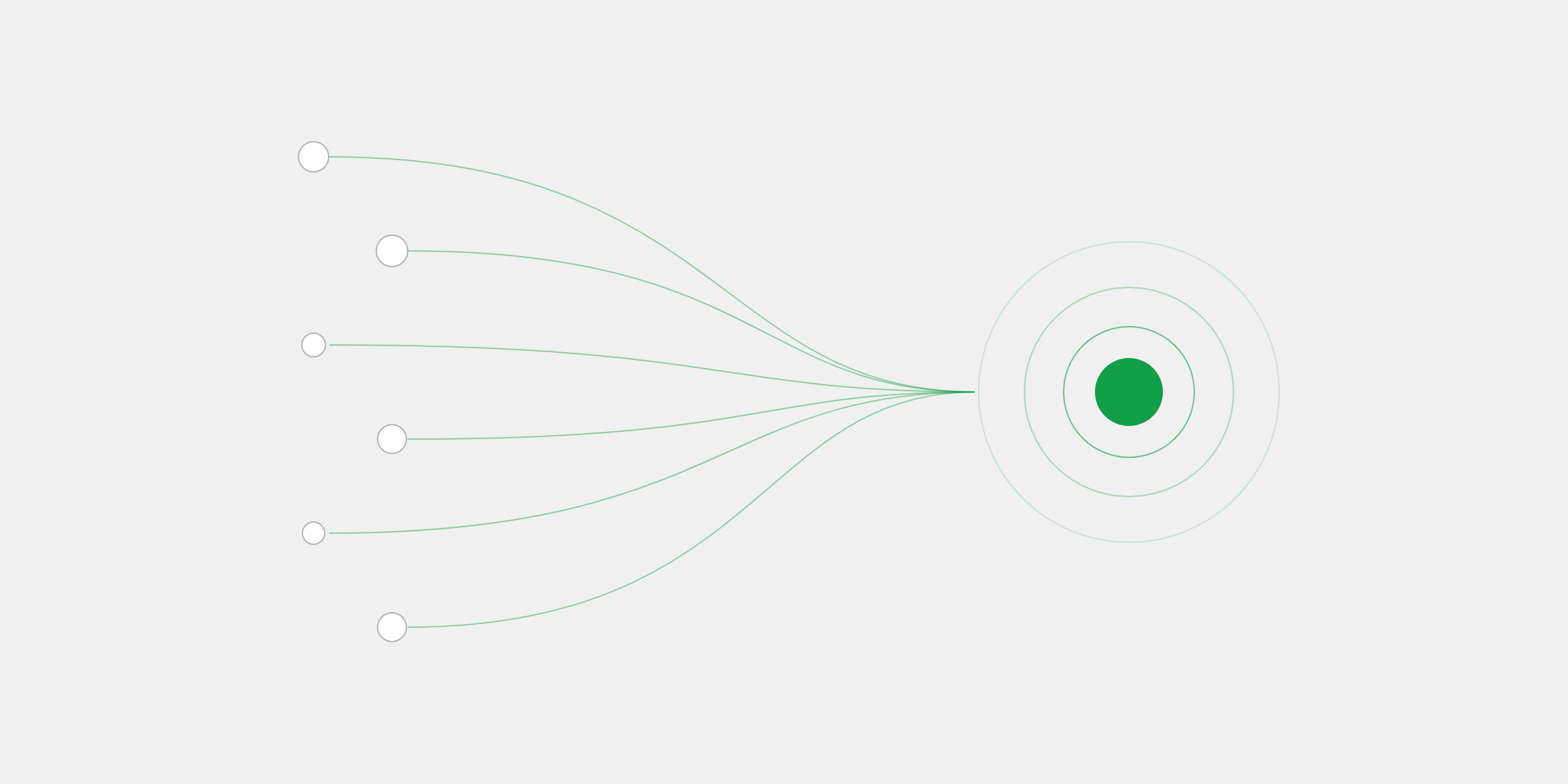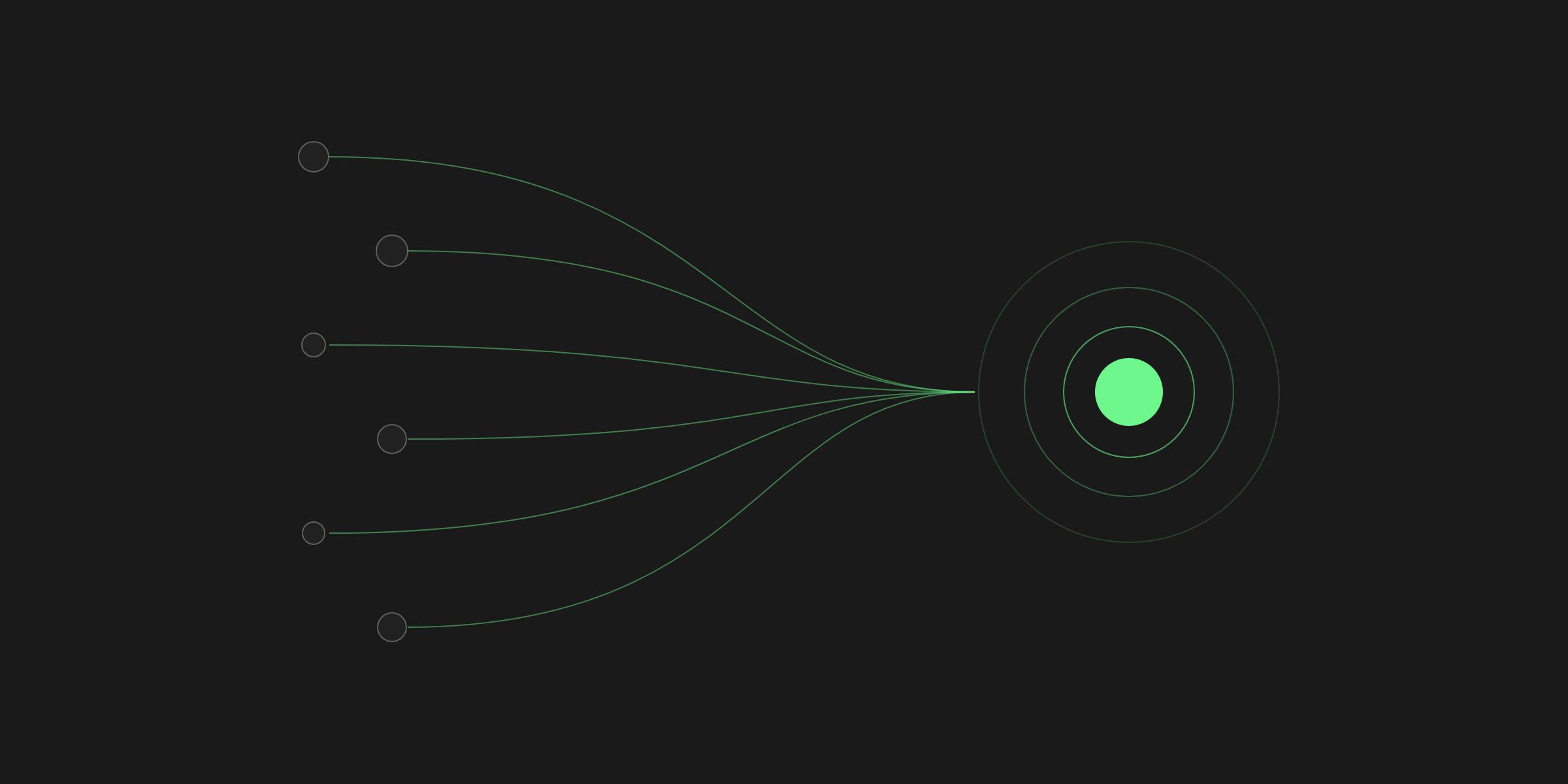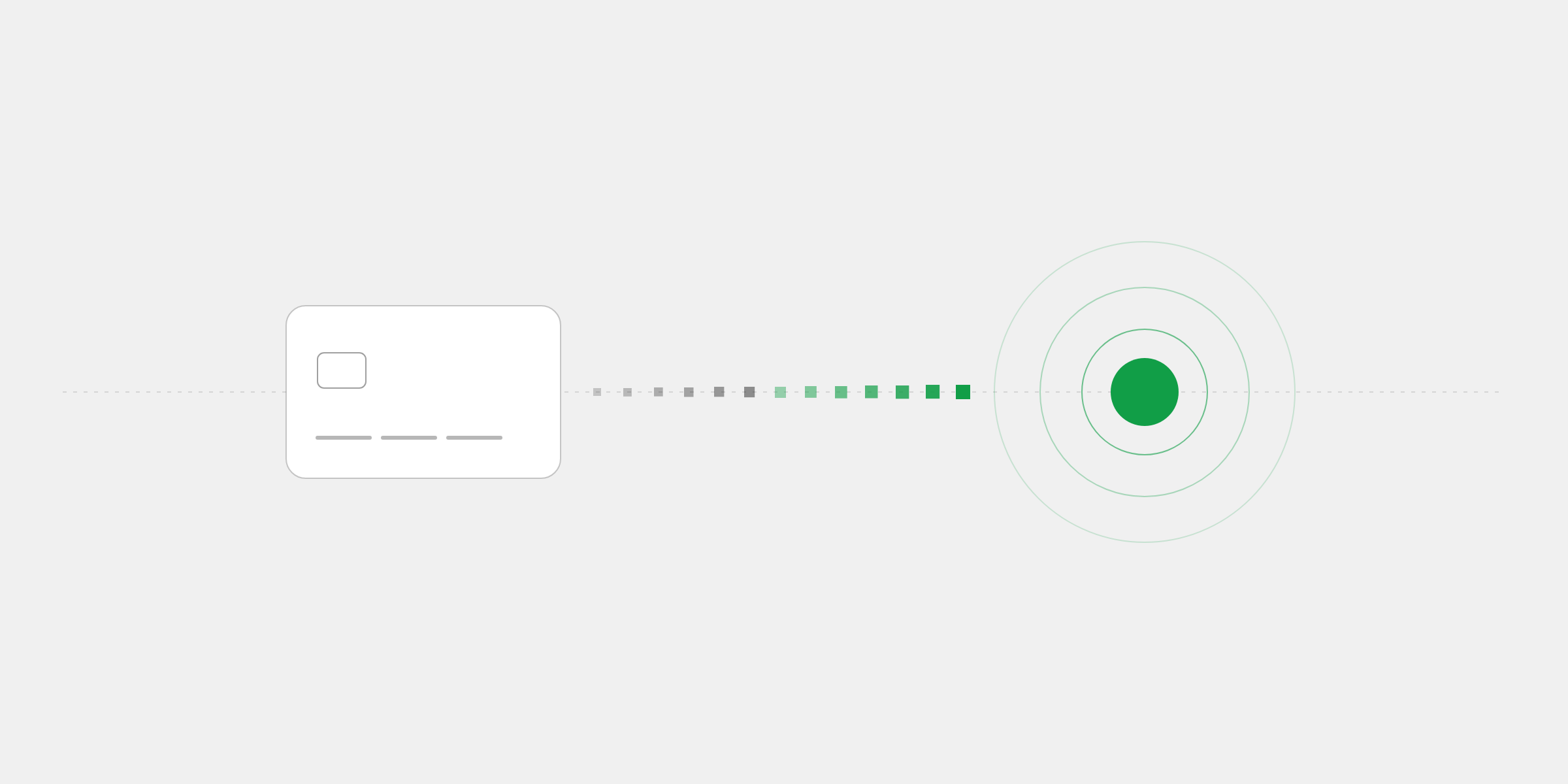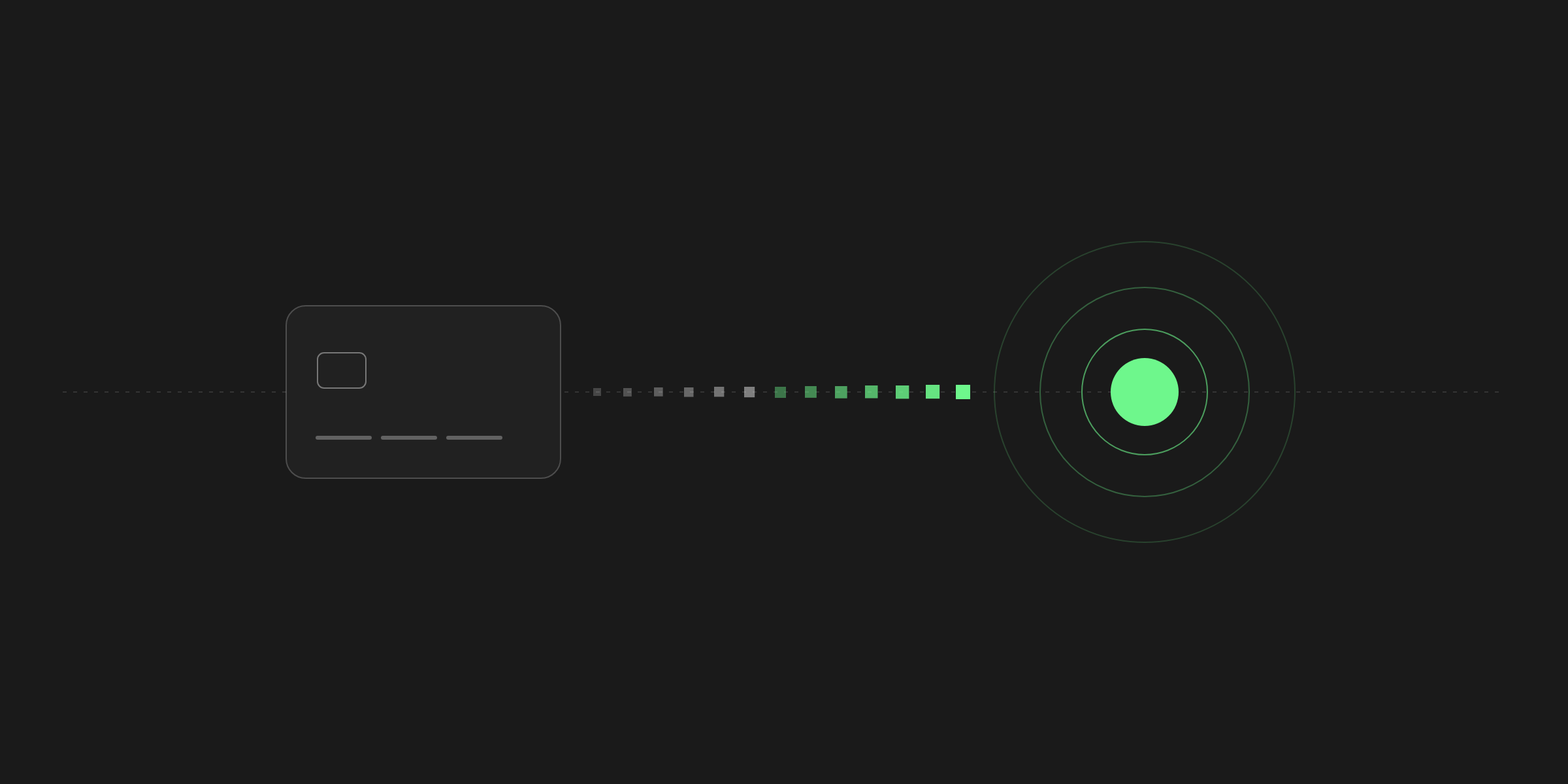
A payment link is the fastest way to start accepting payments. It's a checkout page with a fixed price that you create in a minute and share anywhere a link can go: a product page, an invoice, an email, a social post or a message. Every customer who opens it and pays makes a new payment, and the money lands in your wallet.
There's no code, no plugin and no website required. That makes links the natural first step for most businesses, and for many, the only one they ever need. This guide covers how links work, where they shine, where the API is a better fit, and how to get the most out of each one.
How a payment link works
You give the link a price, a name and, if you like, a description and a success URL. 402pay hosts the checkout page behind it, so you never handle card details, wallet addresses or exchange rates yourself. The link's address stays the same for as long as it exists, so you can put it on a page or a printed sign and leave it there.
When a customer opens it, checkout offers every way you accept: cards, Apple Pay and Google Pay if they're on, and every coin and network you've turned on, across Solana, Polygon, Ethereum, Tron and Bitcoin. For crypto, checkout converts your price into the exact coin amount at the current rate and holds it for 15 minutes, with a fresh address made for that one checkout.
Each time someone pays, a new payment appears in your dashboard, tied to the link it came from. One link can be paid once or ten thousand times.
Where links work best
Links fit anywhere the price is known in advance. Some of the most common places businesses use them:
- A buy button on a product page, landing page or link-in-bio page.
- An invoice or quote, with the link in place of bank details.
- A message or email to a client, for a deposit, a retainer or a one-off job.
- A community or creator page, for memberships, tips or digital downloads.
- In person, as a QR code on a counter, a sign or a printed menu.
The common thread is a fixed amount. If the price changes with every order, such as a shopping cart total, a link isn't the right tool, and the next section explains what is.
Links or the API?
Both end in the same hosted checkout and the same wallet. The difference is who decides the amount, and when:
| Measure | Payment link | API payment |
|---|---|---|
| Setup | A minute in the dashboard, no code | A server call for each order |
| Price | Fixed, set on the link | Exact, set for each order |
| Best for | Products, invoices, services, in person | Carts, subscriptions, platforms |
| Matching to an order | By the link and the customer | By your own reference on each payment |
Many businesses start with links and add the API once they have a store or an app that needs it. Nothing about the first rules out the second, and both can run side by side. The quickstart covers creating payments from your server, and the integrations page shows every other way in.
Pricing a link
You price a link in the currency you sell in: US dollars, euros, British pounds, Canadian dollars and Australian dollars. Customers pay in whatever they choose, and checkout does the conversion. In US dollars, a link's price can be $1.00 and $1,000,000.00; in other currencies, the smallest price is about one US dollar.
Your dashboard reports every payment in US dollars, while each payment also keeps the currency and amount it was charged in, for the customer's receipt. See currencies and limits for the details.
Who pays the fee
By default, 402pay's fee goes on your fee statement. If you'd rather your customers covered it, turn on Customers pay the fees and checkout adds it to the price, so the full amount you asked for is what arrives.
Getting more from each link
A few small choices make a link work noticeably better:
| A clear name | Customers see it at checkout and on their receipt, so name what they're buying. |
|---|---|
| A description | A line about what's included heads off questions and keeps disputes rare. |
| A success URL | Send customers somewhere useful after paying, such as a download or a thank-you page. It must start with https://. |
| The QR code | Every link has one. Print it for in-person sales, or add it to a PDF invoice. |
| A preview | Open checkout yourself before sharing, to see exactly what customers see. |
You can edit a link's price, name, description or success URL at any time. Changes apply to new checkouts straight away, while a checkout that's already open keeps the quote it showed. Archiving a link takes it offline without losing its history, and restoring it brings it back.
One link, shared once, can keep taking payments for years.
Knowing when you've been paid
Every payment through a link shows up in your dashboard with what was paid, how and on which network, and each link shows its own payments and revenue. Turn on payment alerts to get an email each time, or set up a webhook if you want your own systems to react.
Crypto payments succeed once their network confirms them, which takes seconds on Solana and Polygon and longer on Ethereum and Bitcoin. Our post on confirmations explains what happens in between, including small shortfalls and late payments.
Create your first link
Creating a link takes about a minute. In the dashboard, open Links, select Create link, give it a name and a price, and create it. It's live straight away, with a copy button and a QR code ready to share. The help center walks through every field.
If you don't have an account yet, answer a few questions and we'll set you up with a wallet and your first link in a few minutes.
Common questions
- A hosted checkout page with a fixed price that you can share anywhere. Every customer who opens it and pays makes a new payment, which lands in your wallet.
- No. A link works anywhere you can share a URL or a QR code: an email, an invoice, a message or a printed sign.
- Yes, if card payments are turned on. Customers can pay by card, Apple Pay, Google Pay or crypto on Solana, Polygon, Ethereum, Tron and Bitcoin, and every payment arrives in your wallet as crypto.
- US dollars, euros, British pounds, Canadian dollars and Australian dollars. Customers pay in the coin or card of their choice, and checkout converts the price.
- When the amount changes with every order, such as a shopping cart total. Your server then creates a payment for the exact amount.
See what 402pay can do for you.
Discover how 402pay helps your business accept any card and get paid in crypto, straight to a wallet you control.