
To accept crypto payments, a business needs three things: a wallet to receive the money, a way to ask a customer for a specific amount, and a way to know when a payment has arrived so it can deliver the order. You can put those together by hand, run the software yourself, or use a payment processor that handles all three.
This guide walks through each decision in the order you'll make it: where the money goes, which coins and networks to accept, how customers pay, how you find out they have, and what to do afterwards. None of it needs a developer to get started, though a developer can take it much further.
Three ways to accept crypto
The simplest way is to share a wallet address and ask customers to send to it. It costs nothing and works for a handful of payments from people you know. It stops working quickly after that. Every customer sends to the same address, so you match transfers to orders by amount and time, chase the ones who sent too little, and refund the ones who sent the wrong coin.
The second way is to run payment software yourself on your own server. You keep full control and pay no processing fees, but you also run the server, keep it updated and secure, and handle the networks it connects to. It suits a business with technical staff and a reason to want everything in-house.
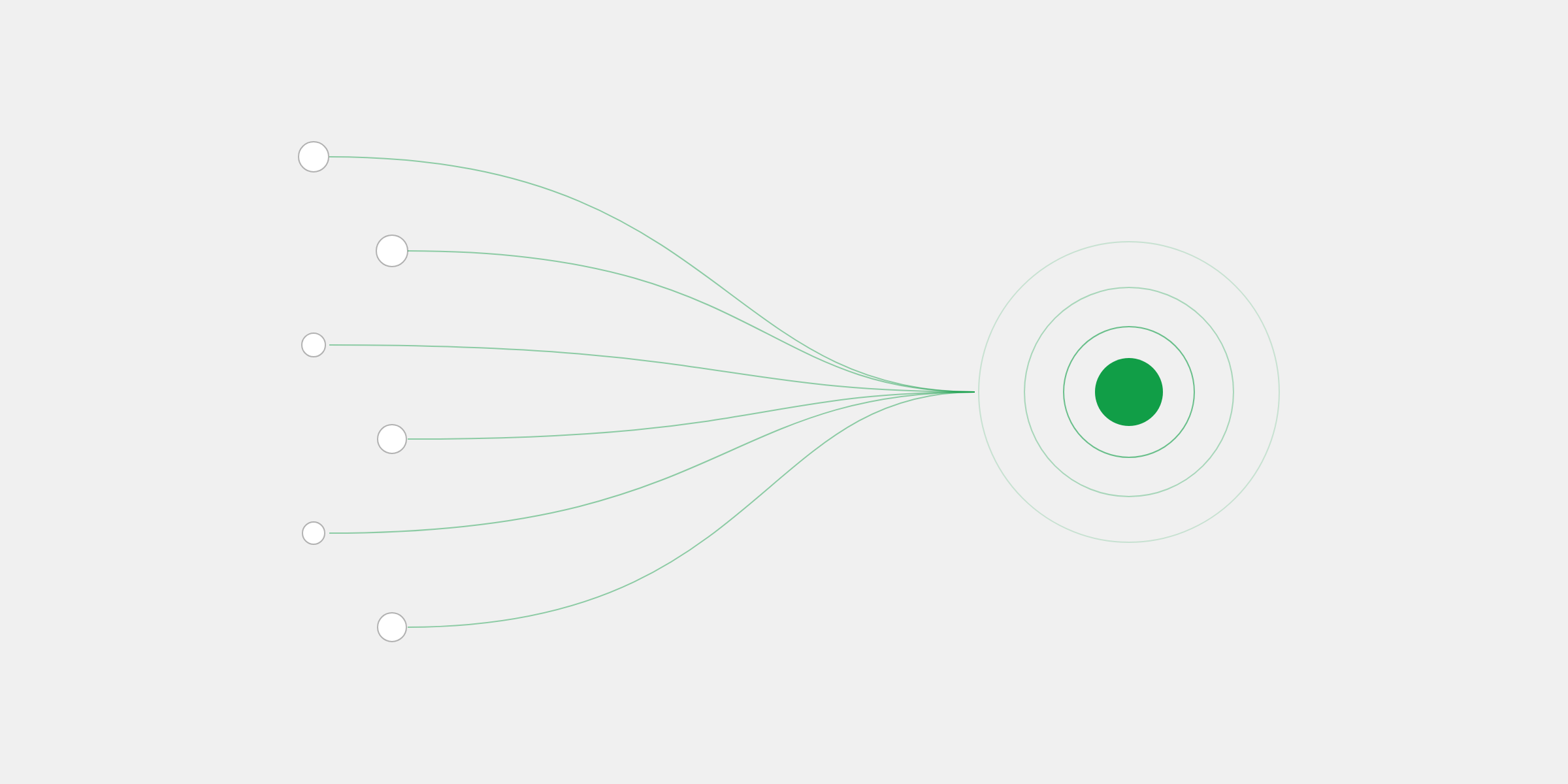
The third way is a payment processor. It gives each order its own checkout, watches the network for the payment, and tells your server when it's paid. Processors differ most in who holds the money along the way: some collect it into an account they control and pay you out later, while self-custody processors send every payment straight to a wallet only you hold the keys to.
| Measure | Sharing an address | Running it yourself | A processor |
|---|---|---|---|
| Setup | Minutes | Days, and ongoing upkeep | Minutes |
| Matching payments to orders | By hand | Automatic | Automatic |
| Card customers | Can't pay | Usually can't pay | Can, with card-to-crypto |
| Who holds the money | You | You | You, or the processor, depending on which |
For most businesses a processor is the right starting point, and the question becomes which kind. The rest of this guide assumes you want one that keeps the money in your hands.
Choose where the money goes
Every crypto payment ends in a wallet, and the wallet decides who controls the money. A custodial wallet is an account at a company: the company holds the keys, and you ask it to move your funds. A self-custody wallet is one where you hold the keys yourself, usually as a recovery phrase of twelve or twenty-four words. Nobody else can move, freeze or reverse what's in it.
For a business, self-custody removes a whole category of risk. There's no reserve held back against future disputes, no account review that pauses your balance, and no payout schedule between a sale and the money being yours. The trade-off is responsibility: the recovery phrase is the money, so it has to be backed up properly.
Back up your recovery phrase before your first payment
Write it down and keep it somewhere safe and offline, away from your computer and your email. Anyone with the phrase controls the funds, and without it a self-custody wallet can't be recovered.
You can create a new wallet just for your business or connect one you already use. Keeping business payments in a wallet of their own makes your records far easier to follow later.
Choose your coins and networks
Most businesses that want to be paid in crypto actually want to be paid in dollars, and stablecoins are how they do it. USDC and USDT are each designed to be worth one US dollar, so a $100 sale is still worth $100 when you come to spend it. Bitcoin, Ether and Solana can rise or fall between the sale and the spend, which some businesses are happy to hold and others would rather avoid.
Each coin also travels on one or more networks, and the network sets how fast a payment confirms and what it costs to move. USDC can be paid on Solana, Polygon and Ethereum, and USDT on Solana, Tron and Ethereum. The networks themselves differ like this:
| Solana | Confirms in seconds for a fraction of a cent. A good default for stablecoins. Fees are paid in SOL. |
|---|---|
| Polygon | Also seconds and a fraction of a cent, and popular with USDC holders. Fees are paid in POL. |
| Ethereum | Where many larger holders keep their funds. Slower, and it costs more to move money. Fees are paid in ETH. |
| Tron | The home of much of the world's USDT, cheap and quick to confirm. Fees are paid in TRX. |
| Bitcoin | For customers paying in BTC. Blocks come about every ten minutes. Fees are paid in BTC. |
A sensible place to start is to accept both stablecoins on every network your processor supports, plus Bitcoin for the customers who hold it. Customers then pay with whatever they already have, which is the single biggest factor in whether they finish paying at all. You can always turn a coin or network off later.
Decide how customers pay
With a wallet and a list of coins, the next question is how a customer actually pays you. There are three common ways, and many businesses use more than one:
- A payment link: a page with a price that you share anywhere, from a product page to an invoice or a message. No code, and it works on any platform.
- A checkout created by your server: your site creates a payment for each order through an API and sends the customer to pay it, so the price and the order always match.
- A plugin for your store: the same checkout, set up from inside a platform like WooCommerce or Shopify rather than in code.
Whichever you choose, a good checkout does a few things a shared address can't. It gives each order a fresh address, so every transfer matches its order without memos. It holds the price for a set time, long enough for a customer to open their wallet app, and works out the exact amount in the coin they picked. And it shows the customer how many confirmations are left while they wait.
It's also worth deciding now whether to accept cards. Most people still don't hold crypto, and a crypto-only checkout turns them away at the last step. With card-to-crypto processing, a customer pays by card, Apple Pay or Google Pay and you still receive crypto. Our card-to-crypto guide explains how that works.
Know when you've been paid
A crypto payment isn't final the instant it's sent. The network records it in a block, then confirms it again in the blocks that follow, and after enough confirmations it can't be undone. That takes seconds on Solana and Polygon and longer on Ethereum and Bitcoin. Only then should you ship the order or unlock the account.


A processor watches the network for you and sends your server a signed webhook when the payment is final. Your server checks the signature, looks up the order by the reference you gave the payment, and fulfills it. If your server is down when the webhook is sent, a good processor retries until it answers, so a paid order is never missed.
Real payments don't always arrive tidy, so plan for the cases in between:
- Underpayments, often from a wallet or exchange that rounds or takes a fee. Decide how small a shortfall still counts as paid; with 402pay it's 0.5% to start.
- Overpayments, where a customer sends too much. All of it should land in your wallet.
- Late payments, sent after the quoted price expired. 402pay keeps watching for 7 days and holds them for your review.
- Wrong coin or network, which a fresh address per order makes much easier to spot and resolve.
Refunds, records and taxes
Confirmed crypto payments can't be reversed, so there are no chargebacks on them. A refund is a new payment you send from your wallet, in the coin and amount you choose. Ask the customer for an address and network first, and never refund to the address a payment came from without asking: it may belong to an exchange that can't credit it back.
Keep records from day one. For each payment you'll want the date, the amount in your own currency, the coin and network, and the order it belongs to. A processor that records all of this and lets you export it saves hours at the end of the year. Stablecoins help here too, since their value in dollars doesn't move between the sale and the books.
The recovery phrase is the money. Back it up before your first sale, not after.
Tax rules for crypto differ from country to country and change often. Ask an accountant how your jurisdiction treats crypto you receive as payment before your volume grows, rather than after.
Mistakes to avoid
Most problems with crypto payments come from a few avoidable habits:
- Reusing one address for every customer, then matching payments to orders by hand.
- Fulfilling an order the moment a payment appears, before the network has confirmed it.
- Quoting a price with no expiry, so a customer pays days later at an old exchange rate.
- Accepting a network you have no way of sending from, so funds arrive but can't easily move on.
- Keeping the only copy of a recovery phrase on the same computer as the wallet.
- Sending a refund to an exchange's deposit address without checking with the customer.
Every one of these is easier to avoid with a checkout built for the job than with an address pasted into a chat.
Accepting crypto with 402pay
402pay handles each of these steps for you, without ever holding your money. Customers pay by card, Apple Pay, Google Pay or crypto on Solana, Polygon, Ethereum, Tron and Bitcoin, and every payment lands whole in a self-custody wallet only your business controls.
Getting set up takes a few minutes. Create your account, then set up a wallet or connect one you already use, and choose the coins and networks checkout offers. From there you can create a payment link and share it straight away, or follow the quickstart to create payments from your server and receive webhooks.
Checkout gives every payment a fresh address, holds the price for 15 minutes by default and handles under- and overpayments as described above. Crypto payments cost 0% at an introductory rate and cards 3%, in beta, plus a flat $0.25 on each payment that succeeds, billed separately so nothing comes out of the payment.
Common questions
- Set up a wallet to receive the money, choose the coins and networks you'll accept, and give customers a way to pay a specific amount, such as a payment link or a checkout created by your server. A payment processor can handle the checkout and tell your server when each payment is final.
- Most businesses start with the stablecoins USDC and USDT, which are each designed to be worth one dollar, on fast and cheap networks like Solana, Polygon and Tron, and add Bitcoin for customers who hold it.
- No. A payment link takes a few minutes to create and works anywhere you can share a link. A developer can connect payments to your site through an API and webhooks later.
- Once the network has confirmed it enough times that it can't be undone: seconds on Solana and Polygon, longer on Ethereum, and about an hour on Bitcoin. Fulfill the order after that, not when the payment first appears.
- Confirmed crypto payments can't be reversed, so a refund is a new payment you send from your wallet. Confirm the customer's address and network before you send it.
- With card-to-crypto processing, yes. Customers pay by card, Apple Pay or Google Pay and the business still receives crypto. 402pay offers card payments in beta alongside crypto.
See what 402pay can do for you.
Discover how 402pay helps your business accept any card and get paid in crypto, straight to a wallet you control.