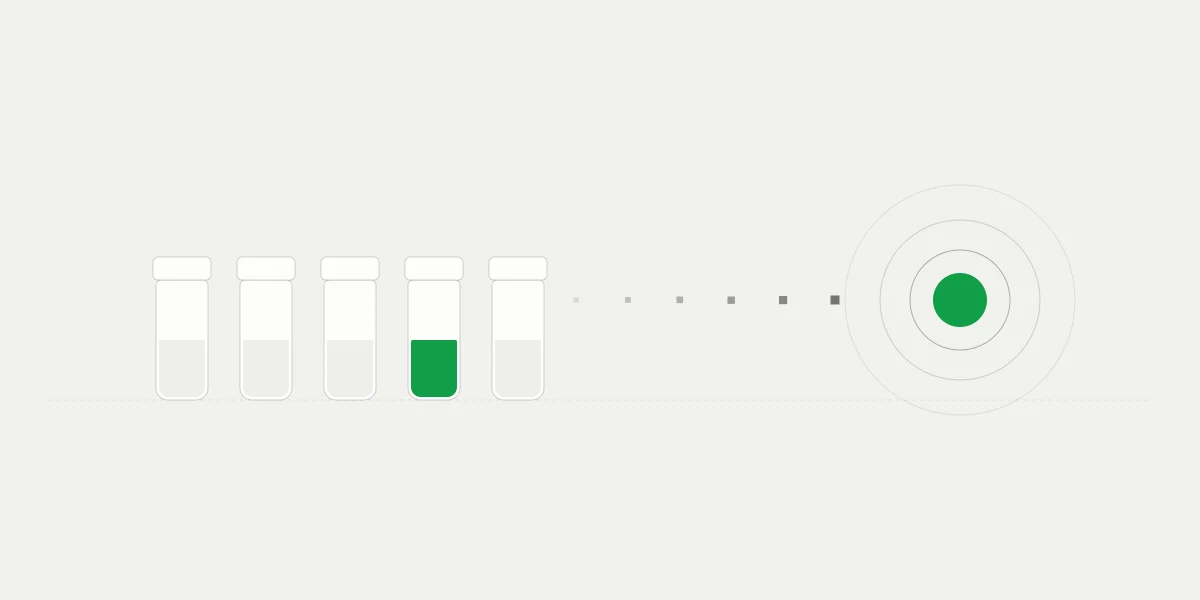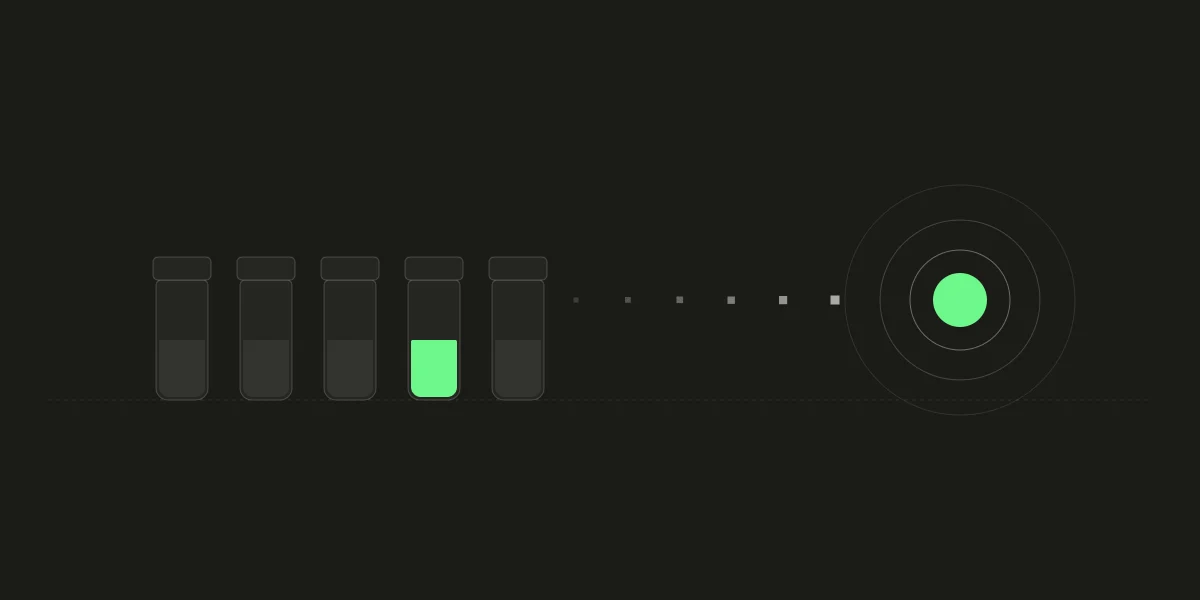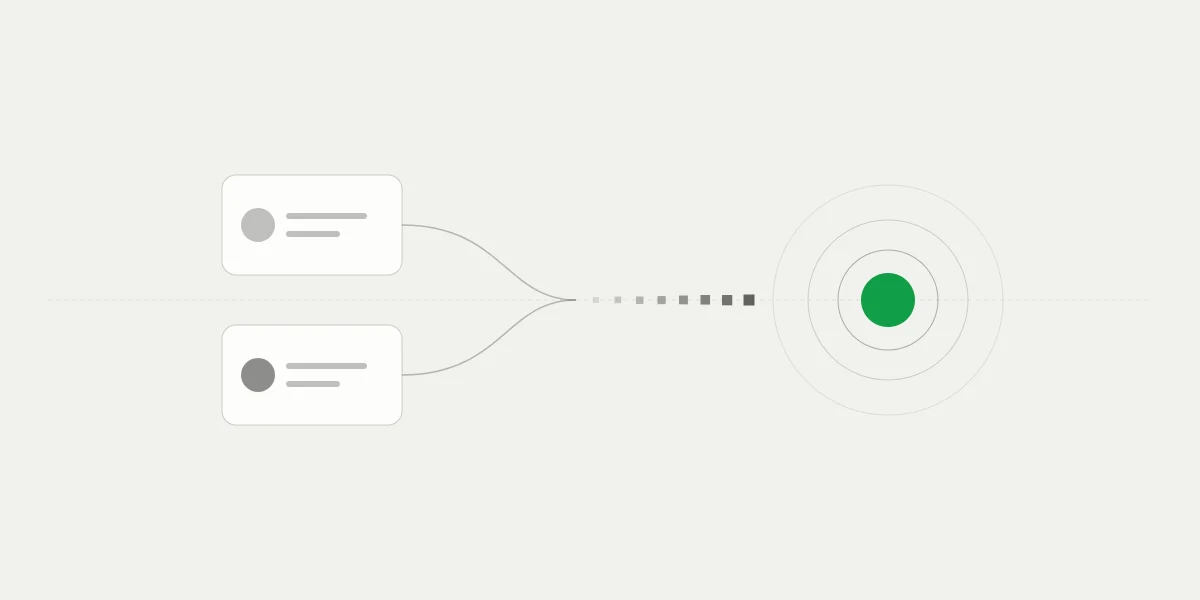
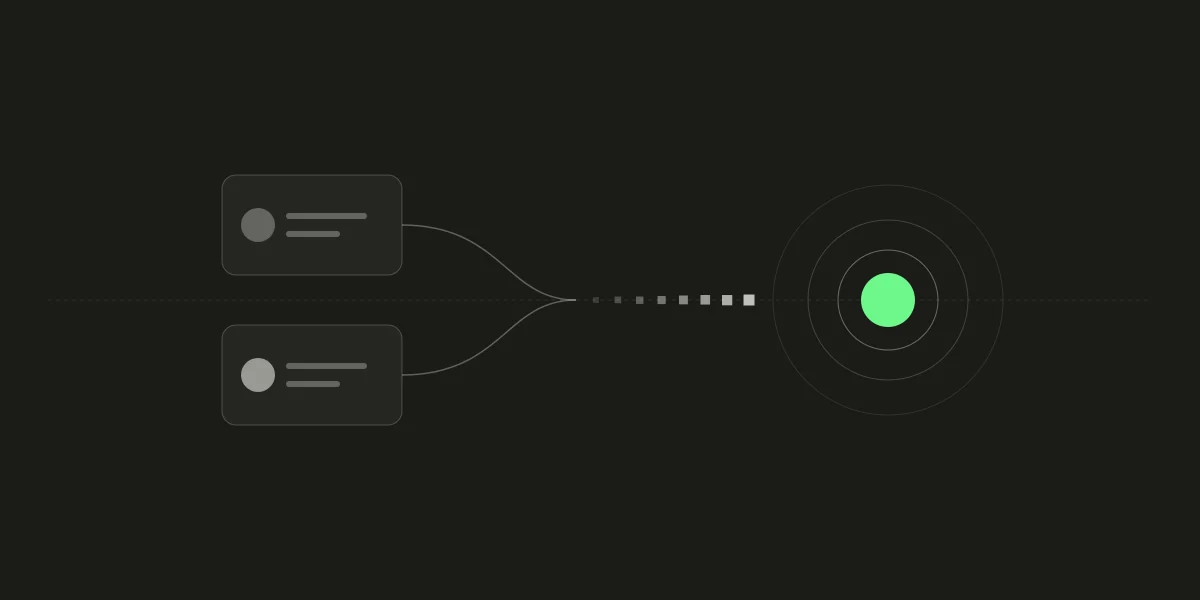
Plenty of customers have money and no crypto. It sits in a PayPal or Venmo balance, which a business that wants to be paid in crypto can't take directly. Both apps sell PayPal USD (PYUSD) and send it out to another wallet, which is enough to build a road from one to the other.
On 402pay, a customer can pay from a PayPal or Venmo balance: they buy PYUSD in the app and send it on Solana to the address checkout shows, and it arrives in your own wallet like any other crypto payment. This post covers what the customer does, what you turn on, what arrives, and what happens when the app holds their new PYUSD and they can't send it, including a way to ask someone else to pay.
A balance with no road to crypto
A customer paying with crypto needs two things first: a wallet and a coin. Most people paying online have neither. They have a balance in an app they already trust, and a bank account or card behind it. For them, “pay with crypto” means opening an exchange and passing an identity check before they reach your checkout.
PayPal and Venmo have closed most of that gap themselves. Each sells PayPal USD, a dollar stablecoin, in a crypto tab of its app, and sends it to an external wallet on Solana. 402pay puts that route into checkout: the customer buys the coin with their balance and sends it to your address, and you don't need an account at either company. It is the same payment as any other stablecoin payment to your wallet, with no payout in between. Our stablecoins post covers how dollar stablecoins differ.
What the customer does
At checkout, PayPal and Venmo sit among the ways to pay. Checkout lists them for customers in the US, or whose country isn't known, because that is where the apps send crypto out, and only while your business accepts PayPal USD on Solana. Choosing one opens a page that walks the customer through the app.
- Choose PayPal or Venmo as the way to pay. Checkout shows the amount in PayPal USD.
- Open the crypto tab in the app (a button opens it on a phone) and buy exactly that amount of PayPal USD. The app asks the customer to confirm who they are the first time they buy crypto.
- In the app, choose Send, then an external wallet on Solana, and paste the address checkout shows. On a phone the address is on the page to copy; on a computer, a QR code to scan.
- Send exactly the amount shown. If the app shows less arriving after its network fee, send a little more.
- Checkout waits on the page and confirms the payment the moment it arrives, then moves on to the receipt.


Two details help customers succeed. Checkout tells PayPal customers to buy first and send second, because the app charges more to buy and send in one step. And the price is held for at least 30 minutes, longer than a card checkout holds it, since buying in one app and sending from it takes a few minutes of its own.
What you receive
You are paid in PayPal USD on Solana, to a fresh address in your wallet, as with every checkout. (Our post on addresses explains why.)
| In the dashboard | The payment shows as PayPal USD on Solana, with the transaction in your wallet history. |
|---|---|
| In your wallet | One deposit for the payment, whole. Fees go on your fee statement rather than coming out of it. |
| In the API | A payment like any other: the same statuses and the same webhooks, with the coin and network on the payment. |
Solana payments confirm quickly: 402pay counts a transfer after about 10 seconds. The payment succeeds then, so fulfill on payment.succeeded as you do for every payment. Our confirmation post covers what that wait includes.
On fees, PayPal USD is a stablecoin payment, so it costs nothing during the public beta, then 1% + 10¢, charged only when the payment succeeds. If you'd rather your customers cover it, it can be added to their total. The customer pays the app's own charges: its network fee to send, and whatever it charges to buy, which checkout tells them about as they go. Those belong to the app and can change.
Turning it on or off
Both are on by default. In the dashboard, go to Settings → Payments and find the Alternative processors group, which holds the ways to pay that are meant for customers with no crypto yet. PayPal to Crypto and Venmo to Crypto each have a switch, and each lists its advantages and downsides under it.
- Turning one on also accepts PayPal USD on Solana, which you can see under the cryptocurrency settings. With that coin off, both read as off.
- Turning one off removes it from checkout. A checkout someone already opened for it is refused, so the customer picks another way.
- The two switch separately, so you can take PayPal and not Venmo, or the reverse. The article on coins and networks covers the rest of what checkout offers.
When the app won't let them send
The apps sometimes hold newly bought crypto for a while before it can be sent out. A customer who hits that is stuck with PYUSD they can't move and a checkout that is still open. Checkout handles it on the page: they can sell the PYUSD back in the app to get their money back, choose another way to pay, or ask someone else to pay.
Asking someone makes a pay request. The customer gives their email, an optional name, and a message, and checkout makes a link for them to share. It is a payment of its own on your link, at your link's price, with the customer's email as its customer.
| The person paying | Opens the link and sees the amount, who asked, and their message, but not what is being bought. They pay any way the page offers, and can leave an email for a receipt. |
|---|---|
| The customer who asked | Waits on their own page, can edit the message or cancel the request, and is emailed once it is paid. |
| You | See an ordinary sale of the link, with the customer who asked as its customer. Nothing extra to handle. |
A request lasts seven days, and only the asking customer's page can change or cancel it. Once it is paid, both people get an email, once. Because a pay request is a payment like any other, it reaches your webhook the same way, and your server fulfills the order for the customer who asked.
Holding and sending PYUSD
PayPal USD lands in the same wallet as your other coins, and the dashboard shows it in your portfolio and transactions. You can hold it, send it from the wallet with your encryption password, as you do other coins on Solana, or recover it with your recovery phrase. Our guide to sending and the Solana recovery guide cover the steps.
One difference is worth knowing. PYUSD is a Token-2022 token, which Solana treats as a separate token program from the one USDC and USDT use. Its token accounts are derived under that program, and each account is larger, so opening one costs more rent. The wallet handles all of it. You will meet it in two places:
- Sending PYUSD to an address that has no PYUSD account yet costs the rent to open one, on top of the network's fee, both paid in SOL. Keep some SOL in the wallet, as for any token send.
- If you move funds with your own scripts or another wallet, derive PYUSD accounts and sign its transfers with the Token-2022 program. The Solana checkout addresses guide has the details.
Limits worth knowing
- Only US customers are offered it. A customer known to be in another country isn't shown PayPal or Venmo.
- The apps check who the customer is the first time they buy crypto, so a first payment takes longer.
- You receive PYUSD, not dollars. Cashing out and tax reporting are yours, as with any crypto you hold.
- Crypto payments are final, so a customer can't charge one back. Refunds, when you agree to one, are sent from your wallet.
Fulfill on payment.succeeded
Whether a payment came from a PayPal balance, a pay request, or a wallet address, your server fulfills the same way: when it verifies payment.succeeded and reads the payment to confirm its status and amount.
The customer pays from a balance. You're paid in your own wallet.
Common questions
- Yes, in the US. The customer buys PayPal USD (PYUSD) in PayPal's crypto tab and sends it on Solana to the address checkout shows, and it arrives in your own wallet.
- Yes. Venmo works the same way, with its own switch in your payment settings.
- No. You are paid in PayPal USD on Solana, to your 402pay wallet. The customer's account at the app is theirs alone.
- In Settings, under Payments, use the switches for PayPal to Crypto and Venmo to Crypto under Alternative processors. A checkout already opened for a method you turn off is refused.
- The apps sometimes hold newly bought crypto. Checkout lets the customer sell it back, choose another way to pay, or ask someone else to pay with a link. The person paying never sees what is being bought.
- PayPal USD is a stablecoin, so it costs nothing during the public beta, then 1% + 10¢, charged only when the payment succeeds. It goes on your fee statement and does not come out of the payment.
See what 402pay can do for you.
Discover how 402pay helps your business accept any card and get paid in crypto, straight to a wallet you control.